

Tuken: taking the plastic token out of people’s hands
Strategy, logo, interface and a field test for a cashless solution for events. It is our own product: we thought it up, drew it and then took it out among people.
In short
Tuken is a cashless solution for events developed by Opificio Lamantini Anonimi, a creative studio in Monselice (Padua, Italy). It runs in the browser, with no app to install: visitors scan the event QR code, buy a pack of tokens and pay at the stands by showing their screen. Opificio handled its strategy, customer journey, logo, interface and materials.
Project facts
- Client
- Opificio Lamantini Anonimi (own project)
- Sector
- Cashless payments for events, village fairs, trade fairs and festivals
- Location
- Monselice (Padua, Italy)
- Period
- 2024 – ongoing
- Services
- Strategy, customer journey, logo, interface, development, event materials
- Website
- tuken.it
You know the plastic token at a village fair: you queue to buy it, you lose it in a pocket, you end up with three spare. Tuken replaces it with the phone already in your hand. This is not work for a client: it is our own product. So we planned it, drew it and then took it out among people, to see whether it really worked.
The starting point
Where was Tuken starting from?
From a plain, widespread problem: at fairs and festivals you queue to buy tokens, then you queue to spend them. And from two audiences to be held together: the people who run the event and the people who live it.
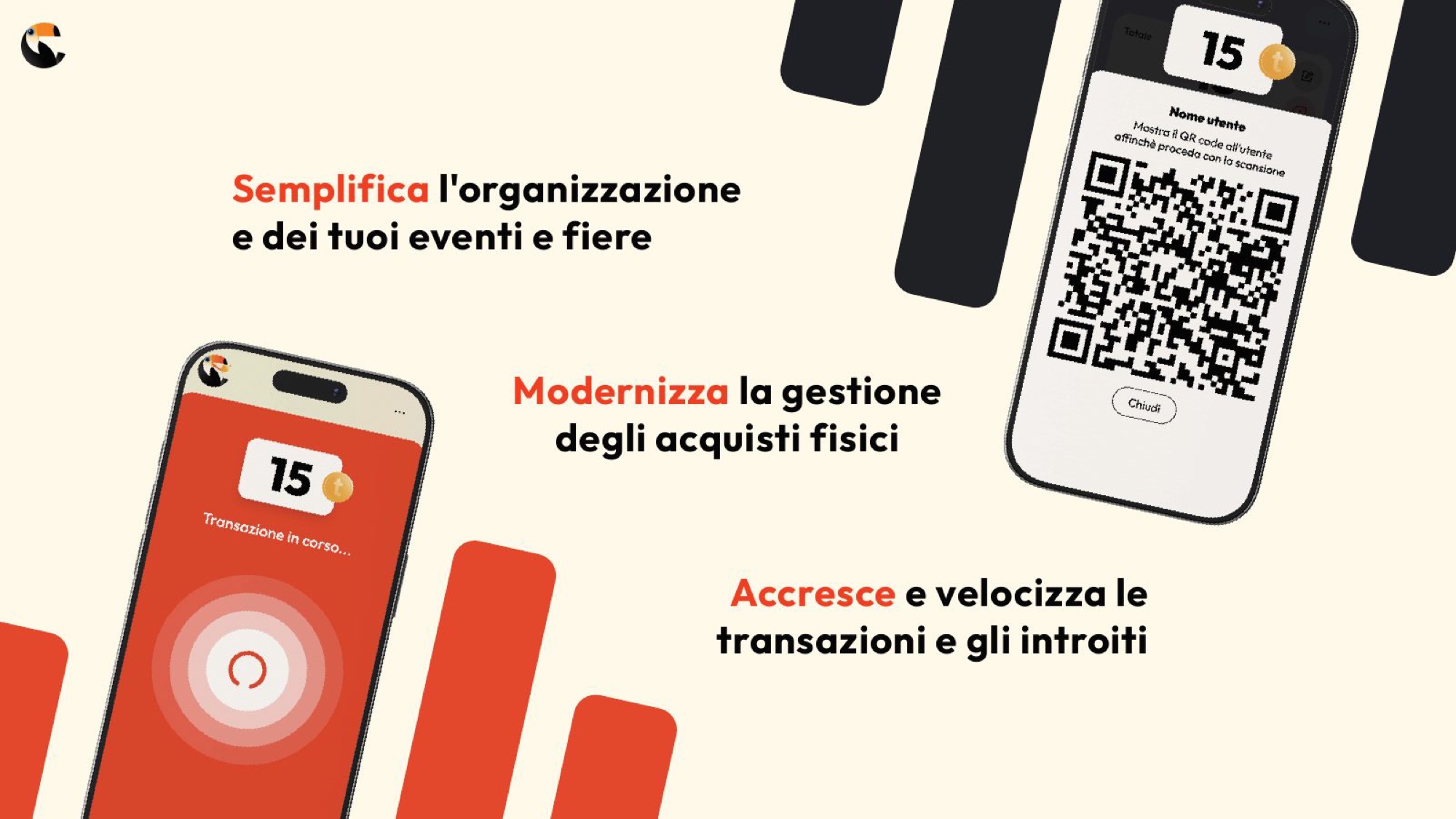
What has to happen for a stranger to use your app within three minutes?
Nobody arriving at a village fair downloads anything. If it does not work in the browser, it does not work.
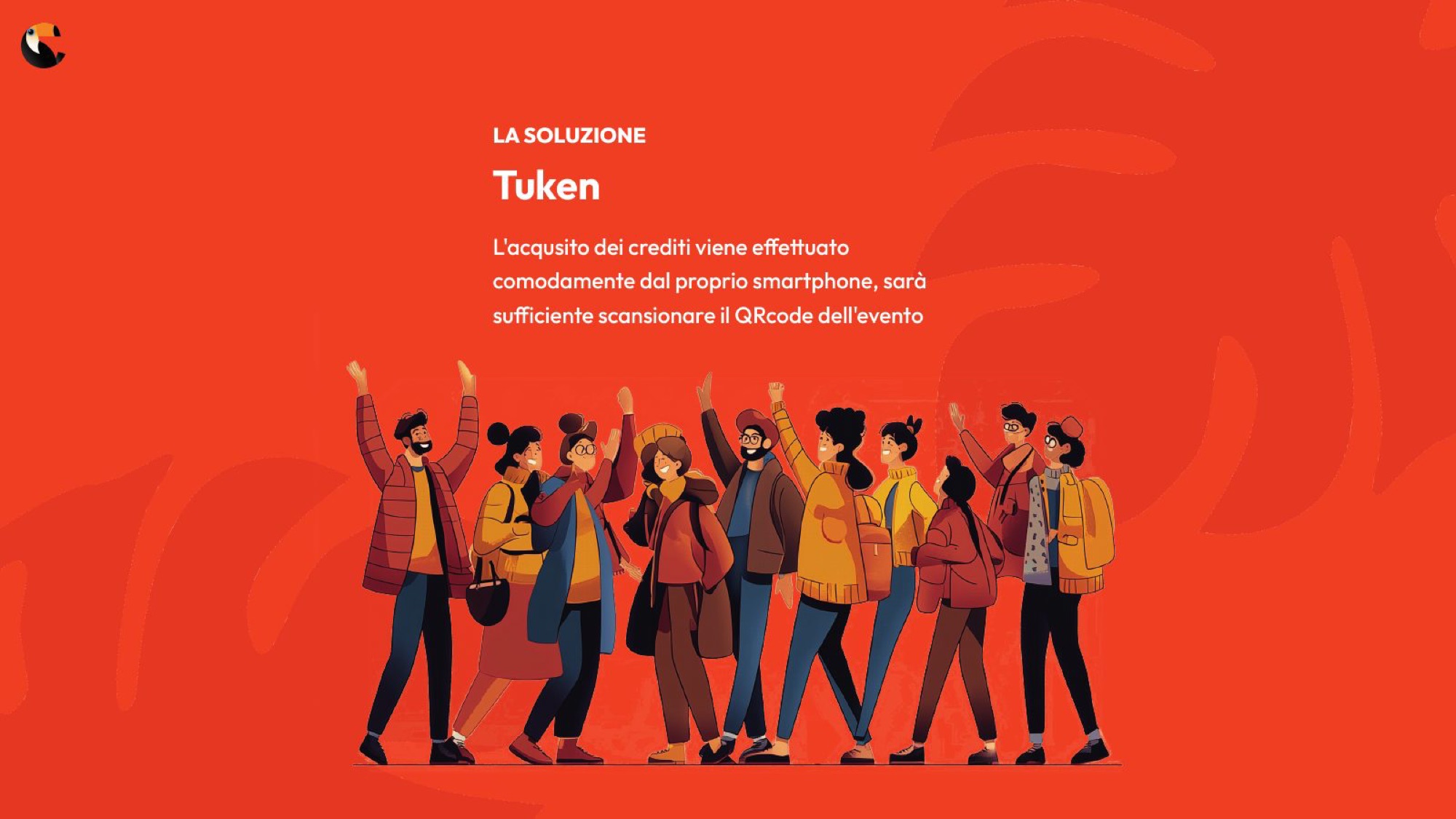
The first decision came before a single screen was drawn: a web app, not a store app. English and mobile first. One way in, the QR code.
Then a map of cashless competitors for events, Italian and foreign, and a review of how tokens had become a subject in the press too. Finally a short timeline: identity and technical direction in January, development and communication between February and March.
Three problems, three answers
From the presentation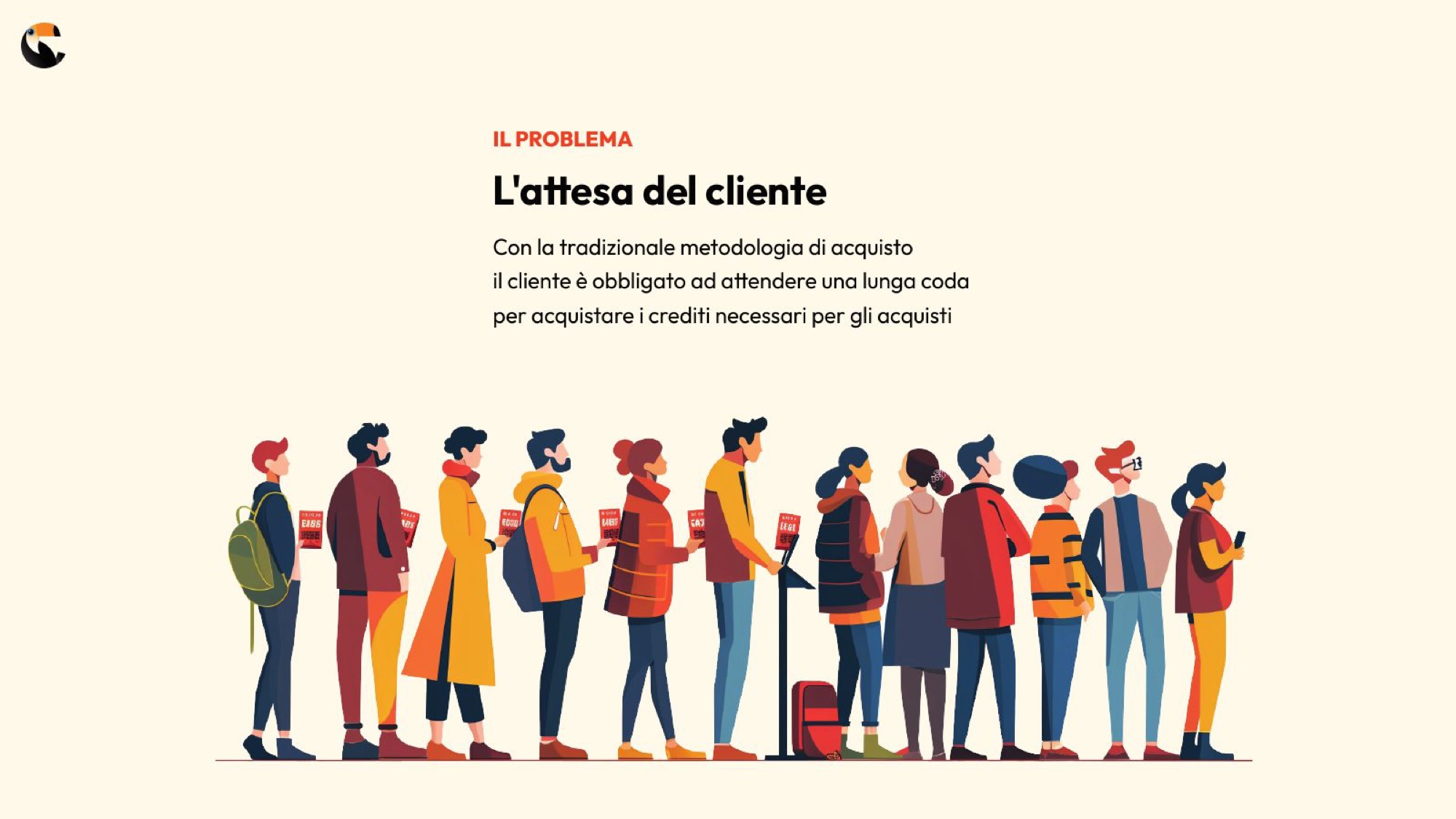
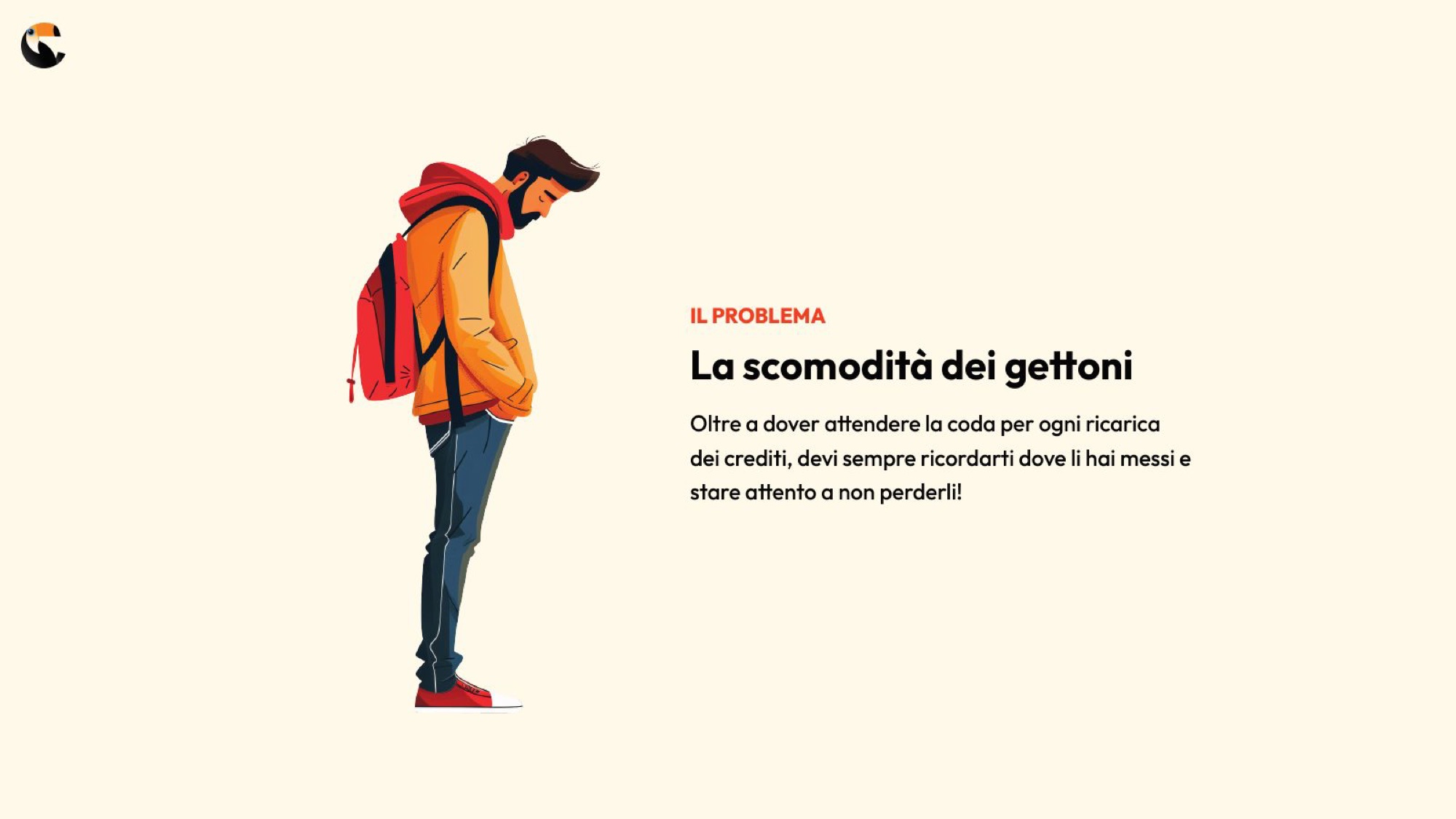
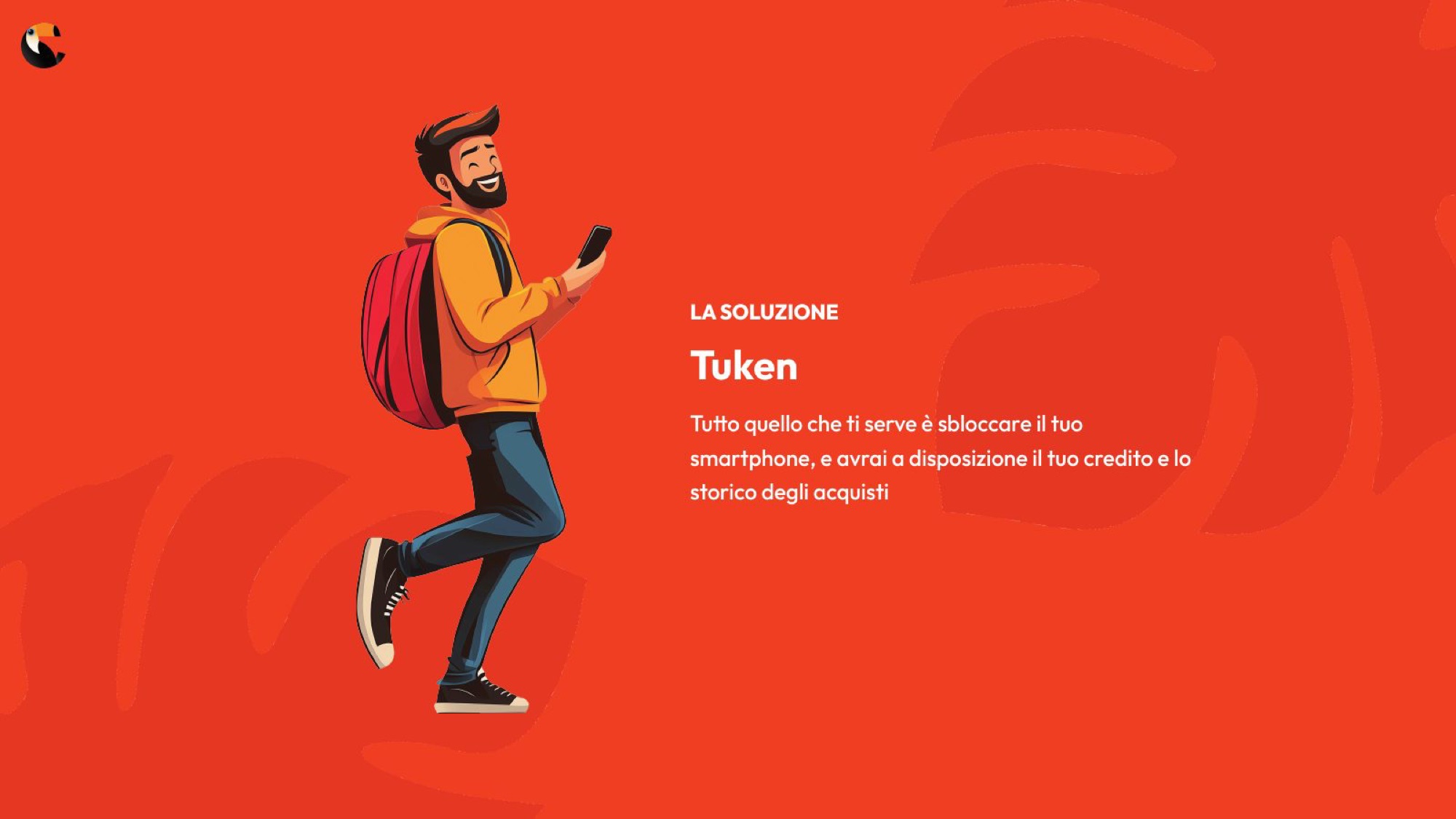
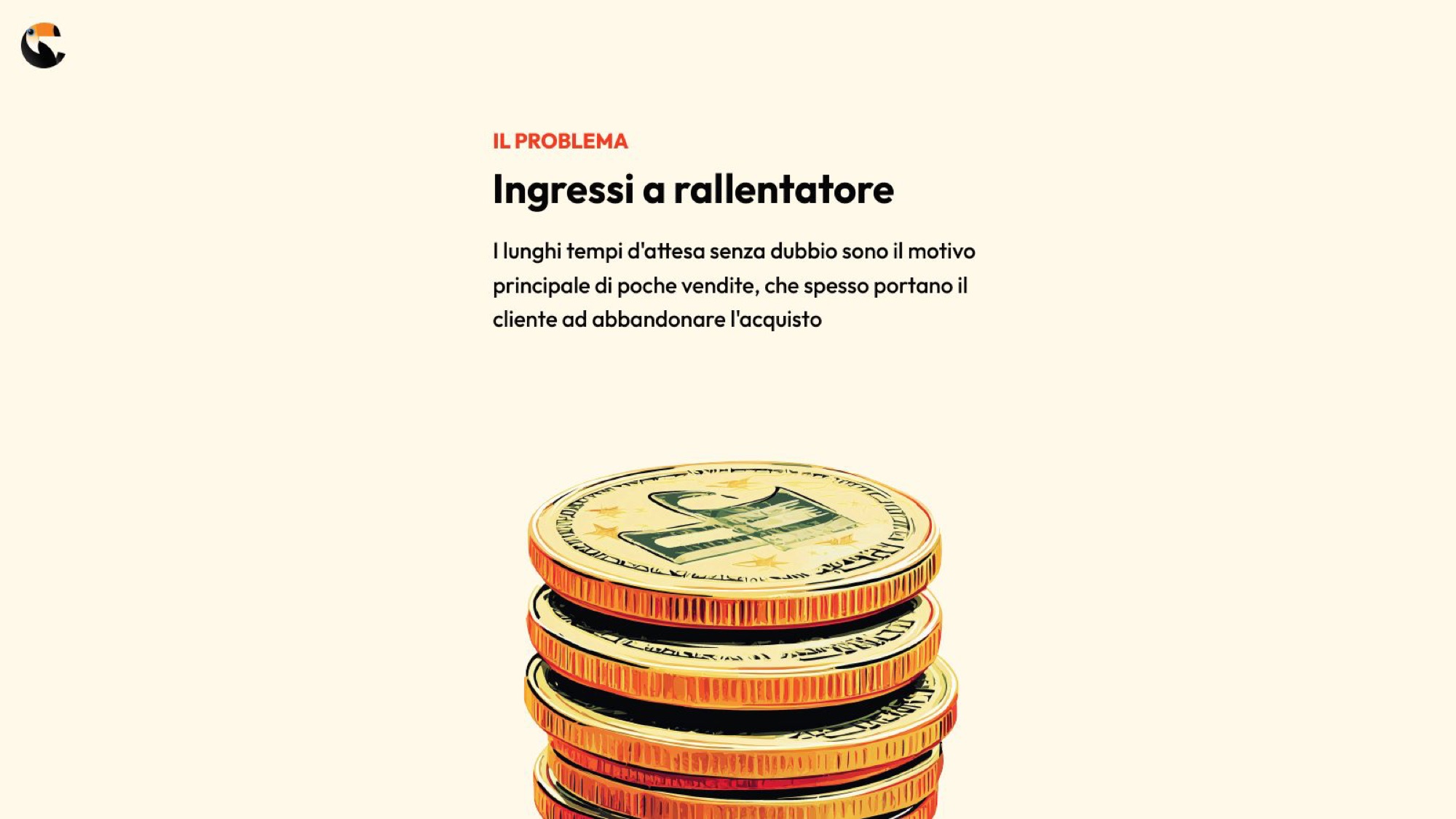
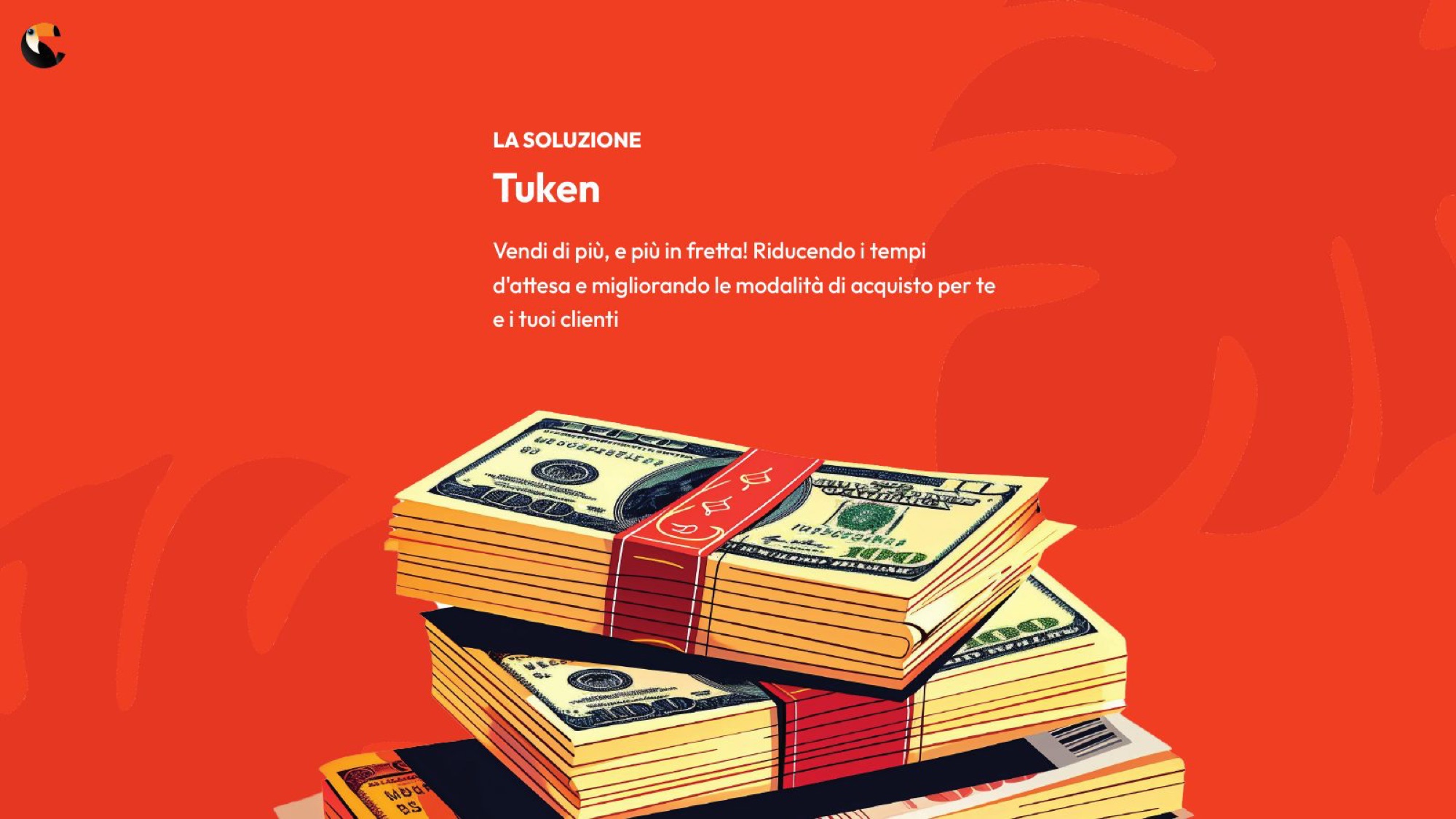
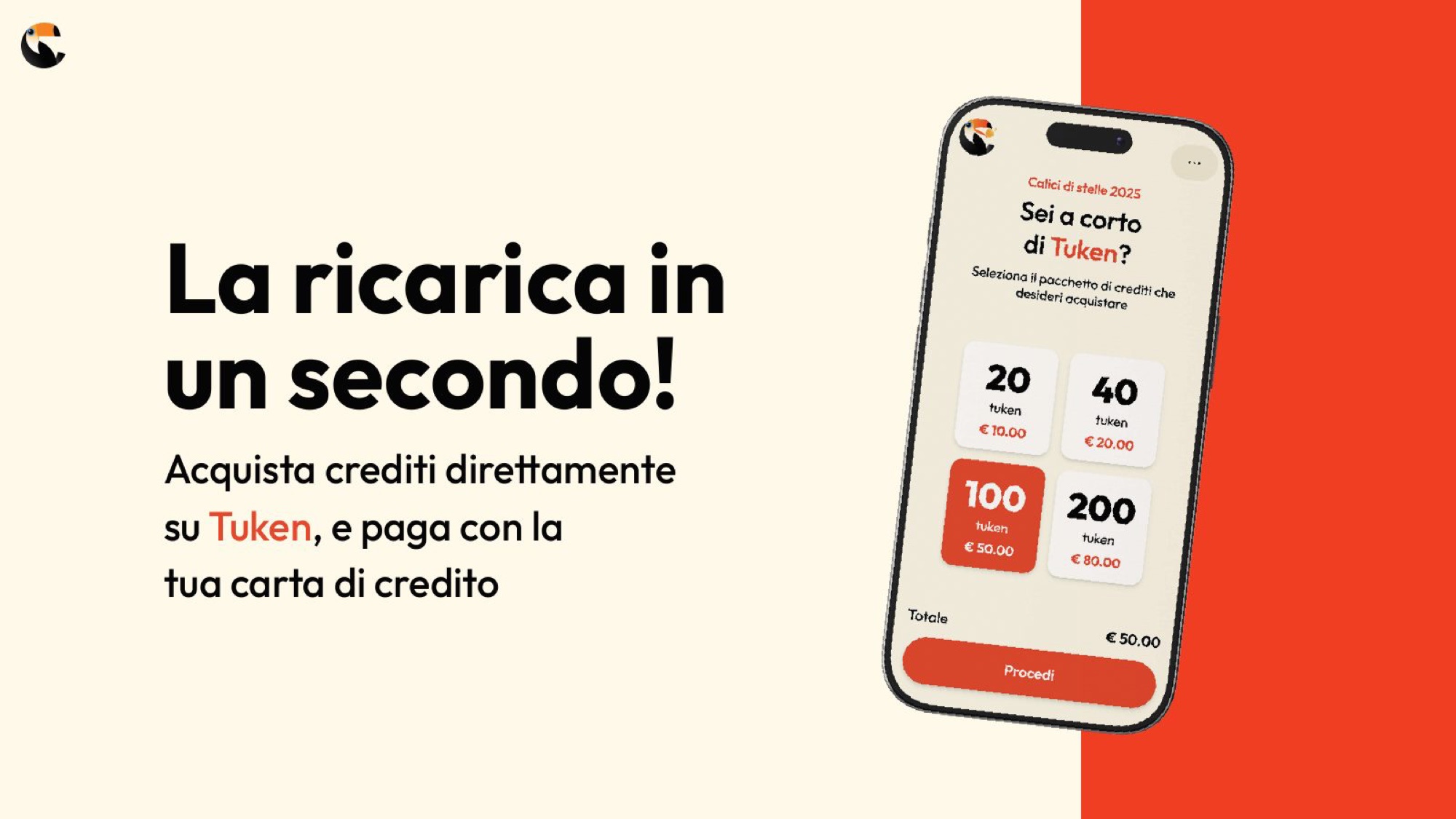
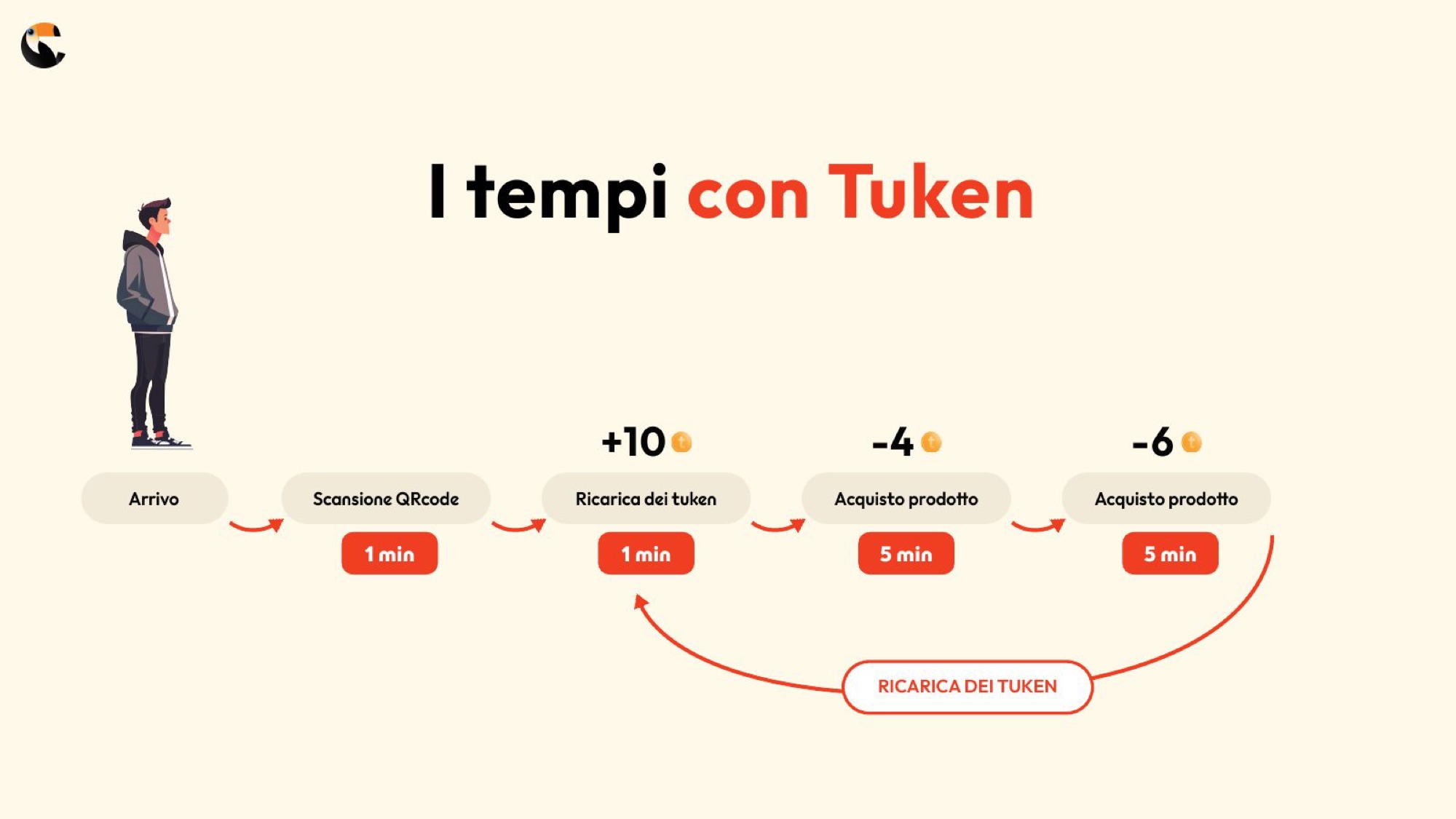
How many steps does it really take to buy a beer?
Five. Arrive, scan, top up, buy, receipt. We wrote them out one by one before drawing them.
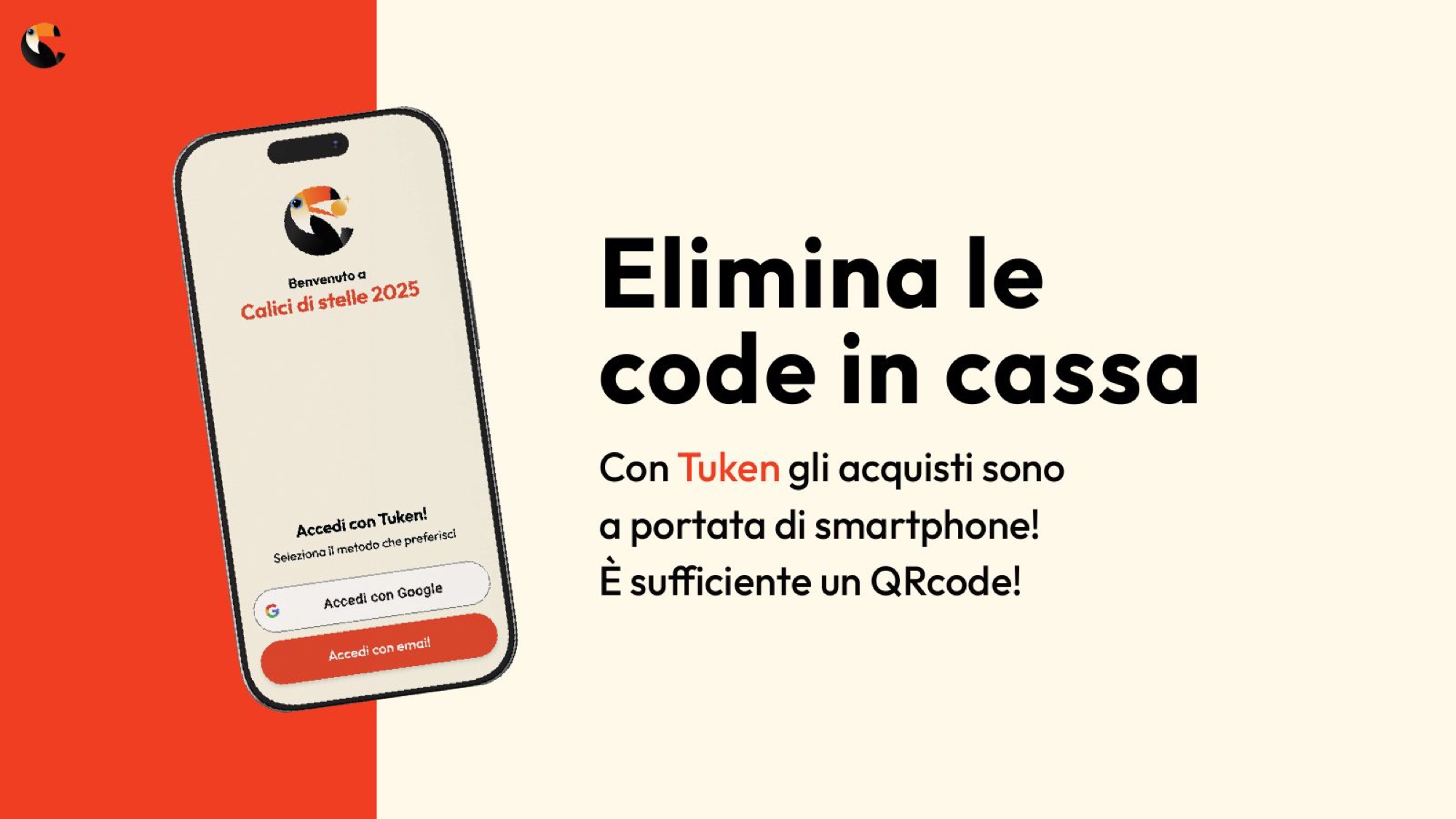
The customer journey document starts at the sign by the entrance and ends at the receipt. It also contains the physical constraints: QR codes have to go high up, above the crowd, so they can be photographed. These are the things that do not occur to you in an office and decide everything on site.
The same minutes, counted twice
With and without Tuken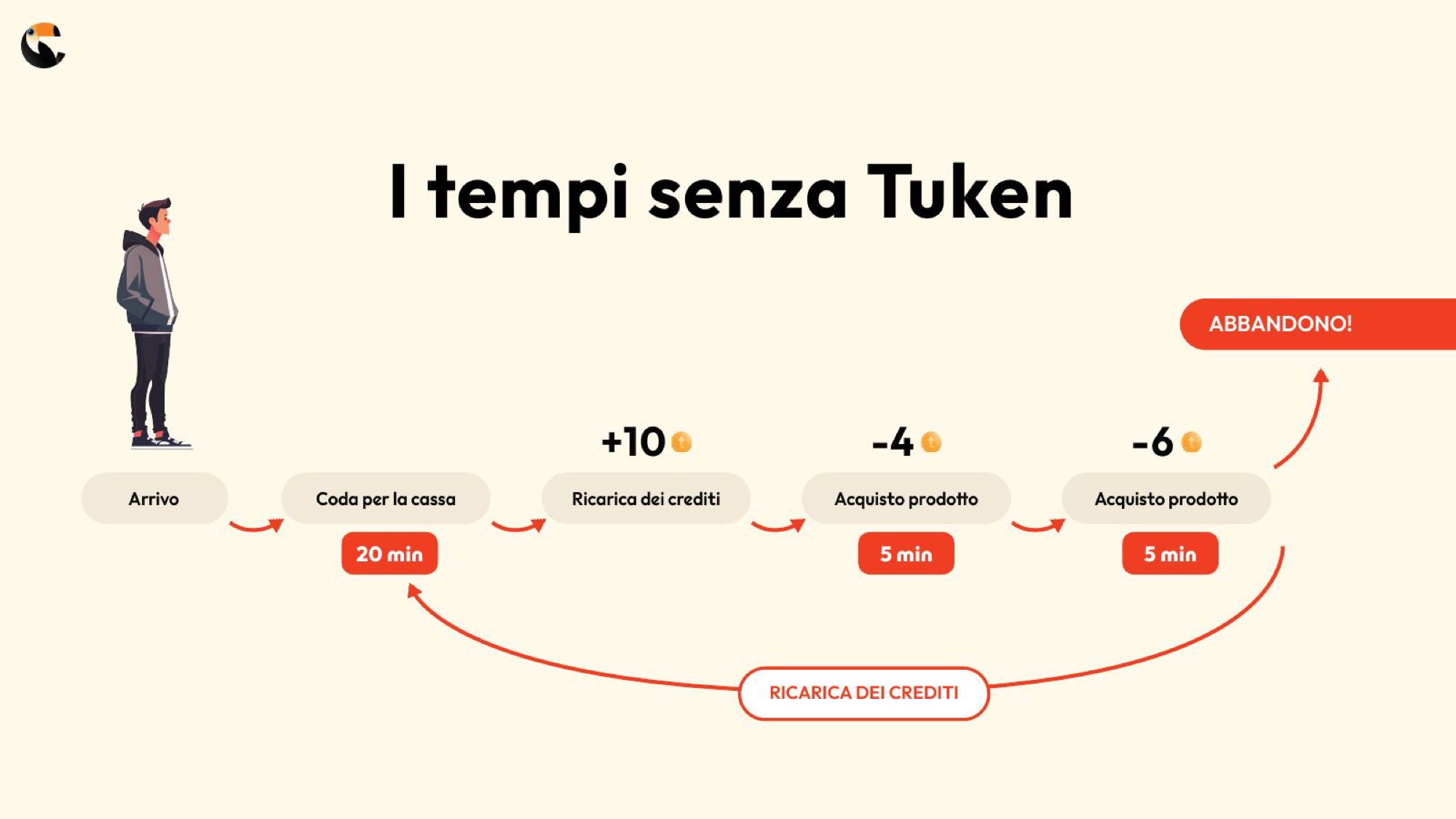
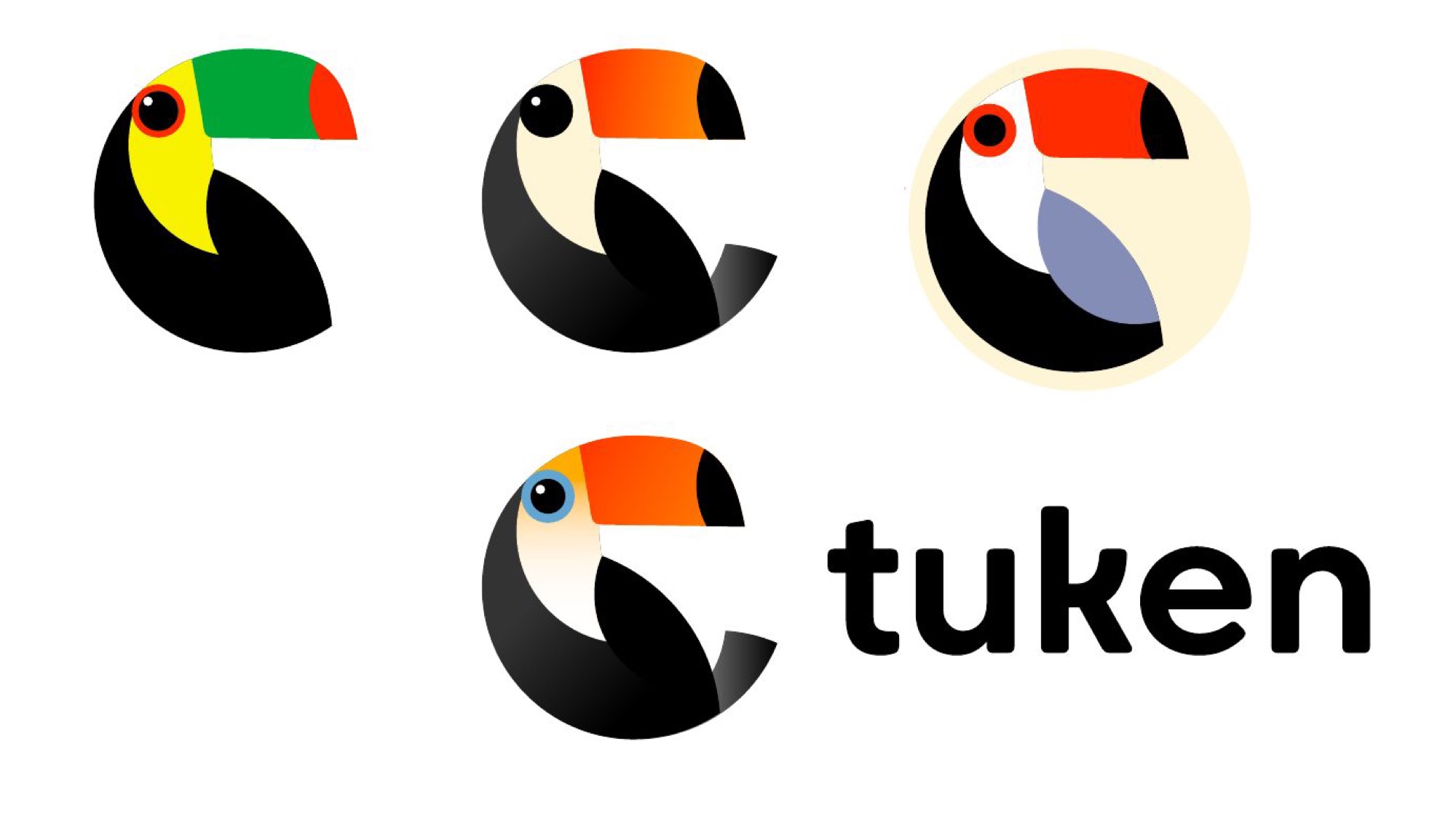
Why a bird with an enormous beak?
Tuken, toucan. A name you remember and a beak that doubles as a C: the logo was already in there.
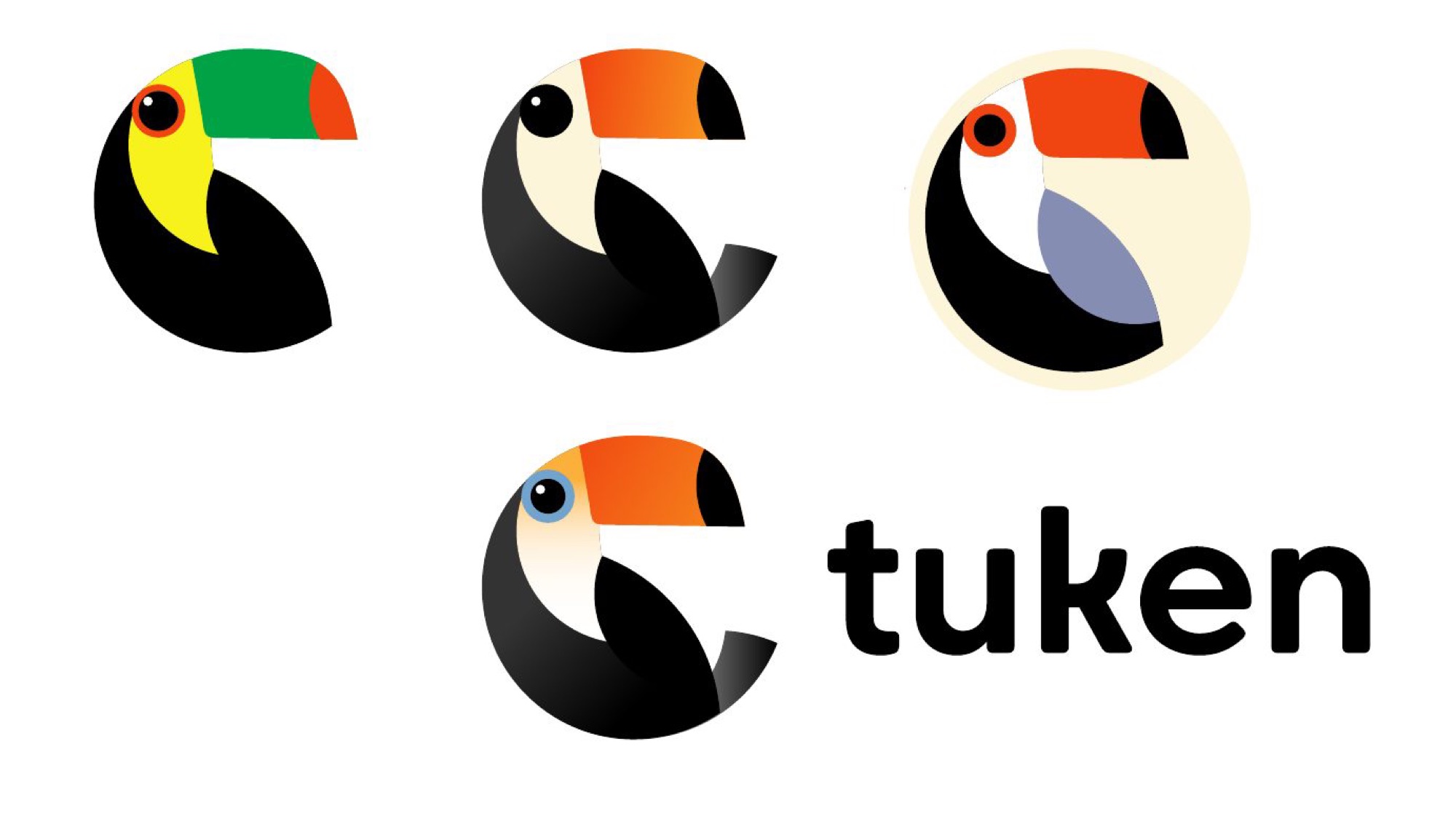
The toucan curls in on itself and forms a C; the token becomes its pupil. We tried several colour routes, from the green and yellow of the early studies to the red-orange that became the project’s colour. A mark that holds up at two centimetres on a phone screen and at two metres on a poster.
How do you split an app in two, between the buyer and the seller?
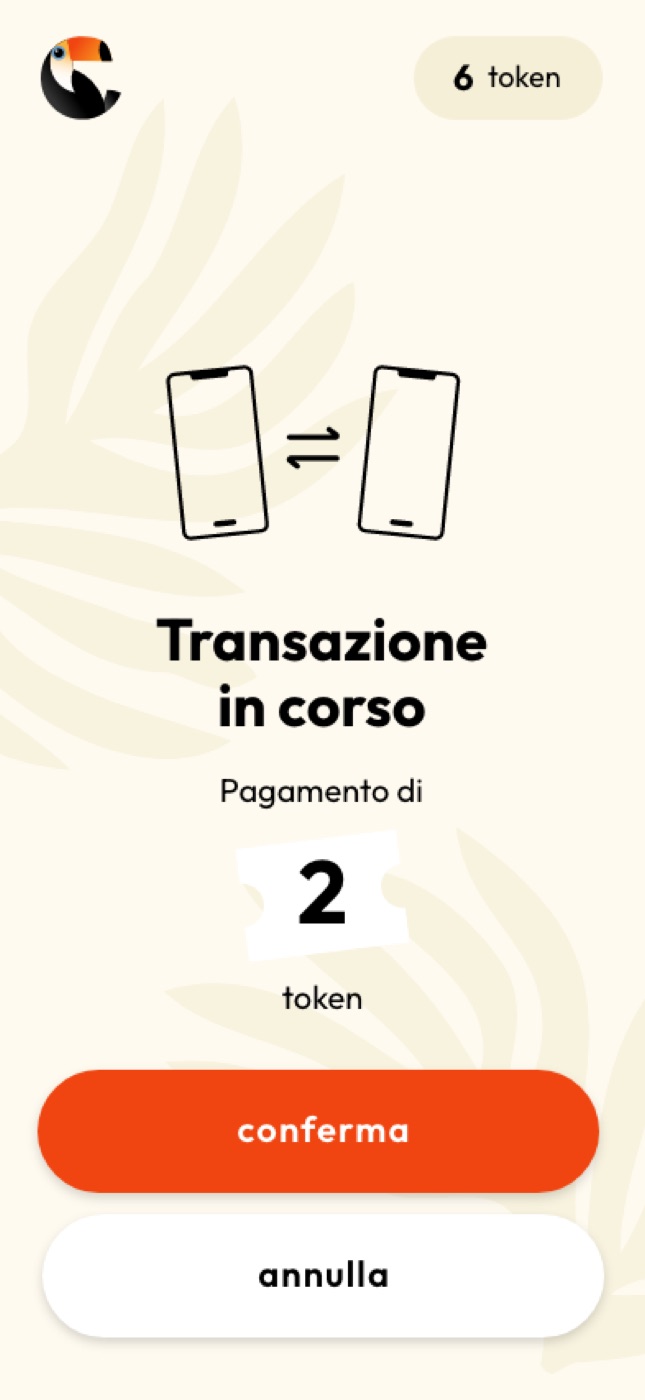
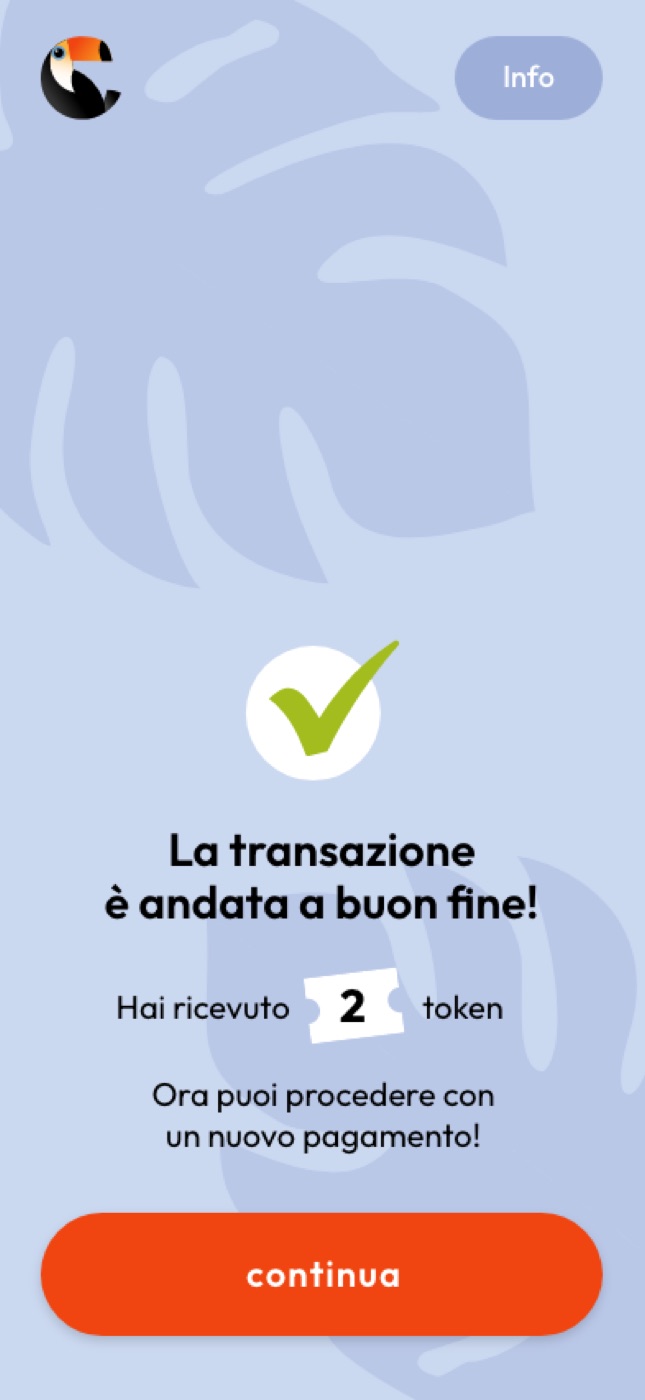
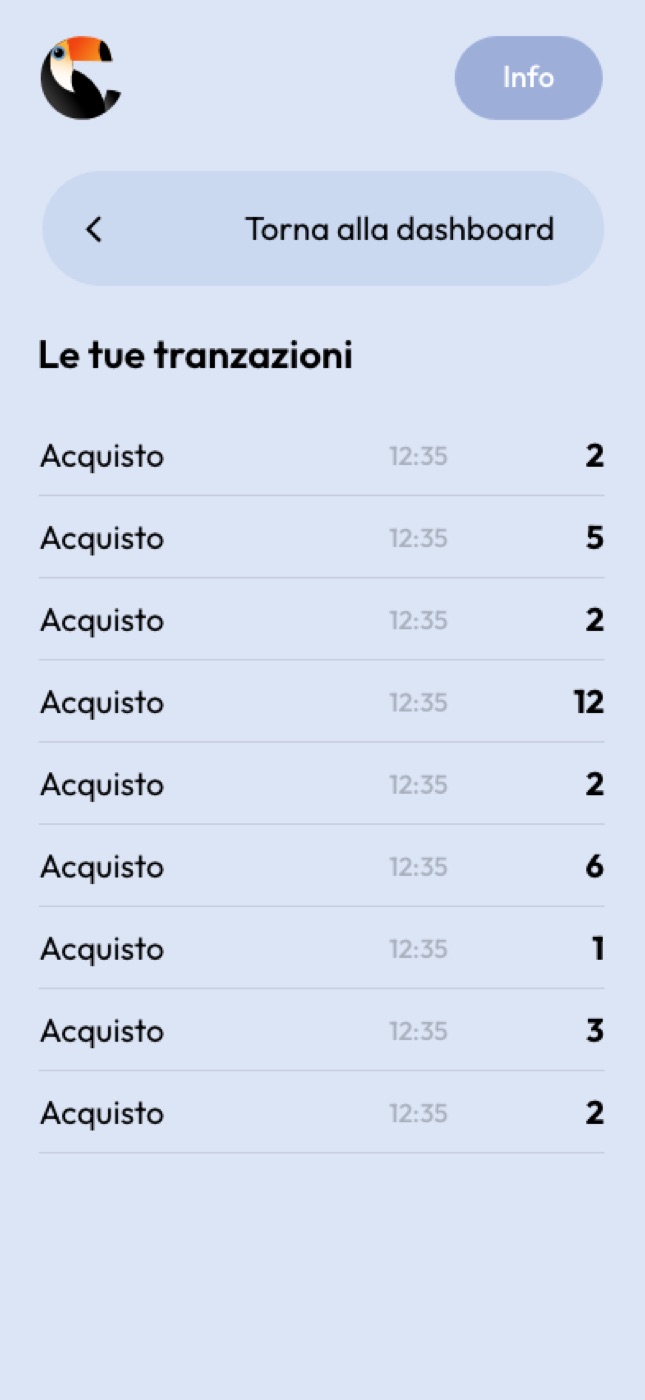
Two interfaces, one object. The wallet on one side, the till on the other.
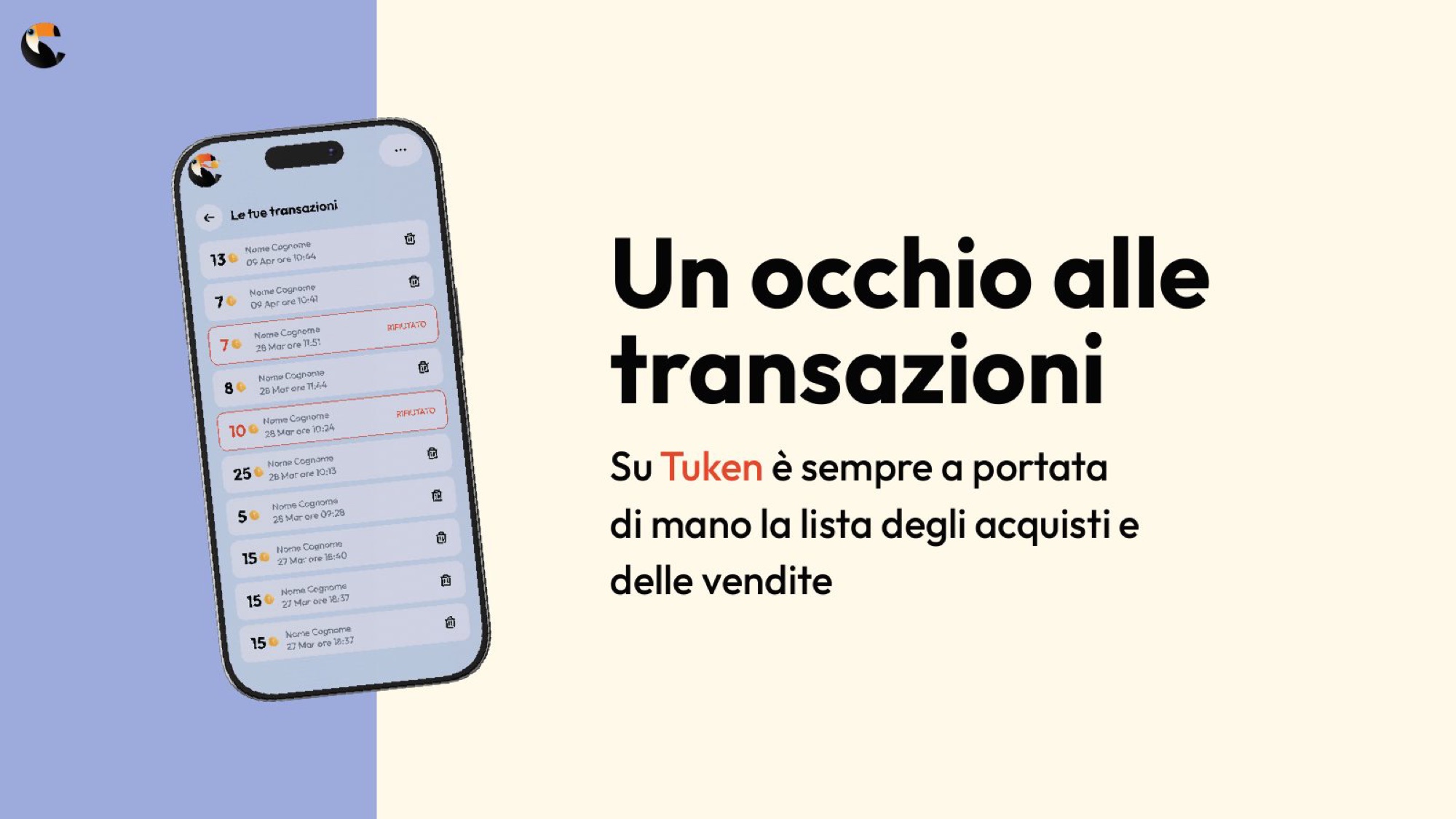
On the visitor’s side: welcome and scan, the token balance, the personal QR code to show at the stand, the transaction history. No menus, no long sign-up: what you need, when you need it.
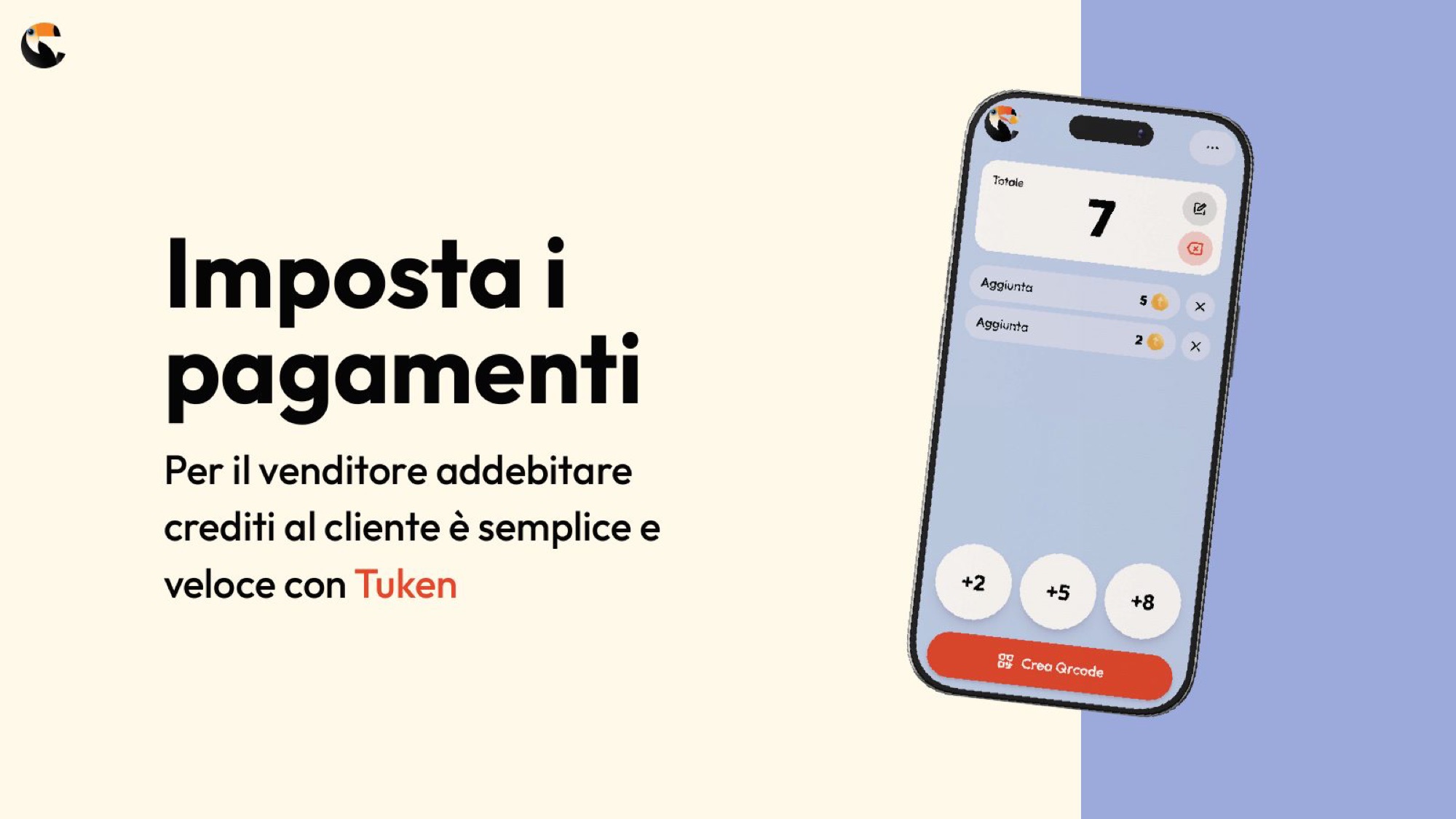
On the seller’s side: a keypad of quick amounts, a big counter in the middle and one button — scan. Because on the other side of the counter there is always somebody waiting.
The buyer
Web app, visitor side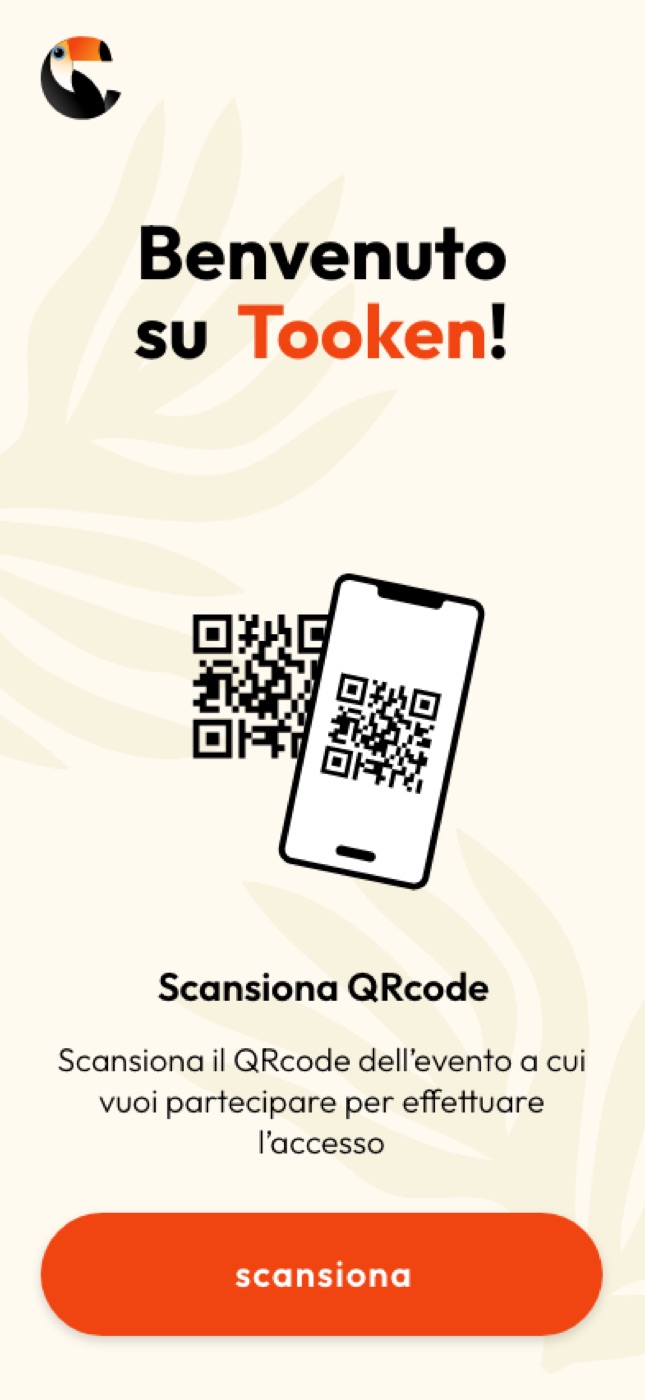
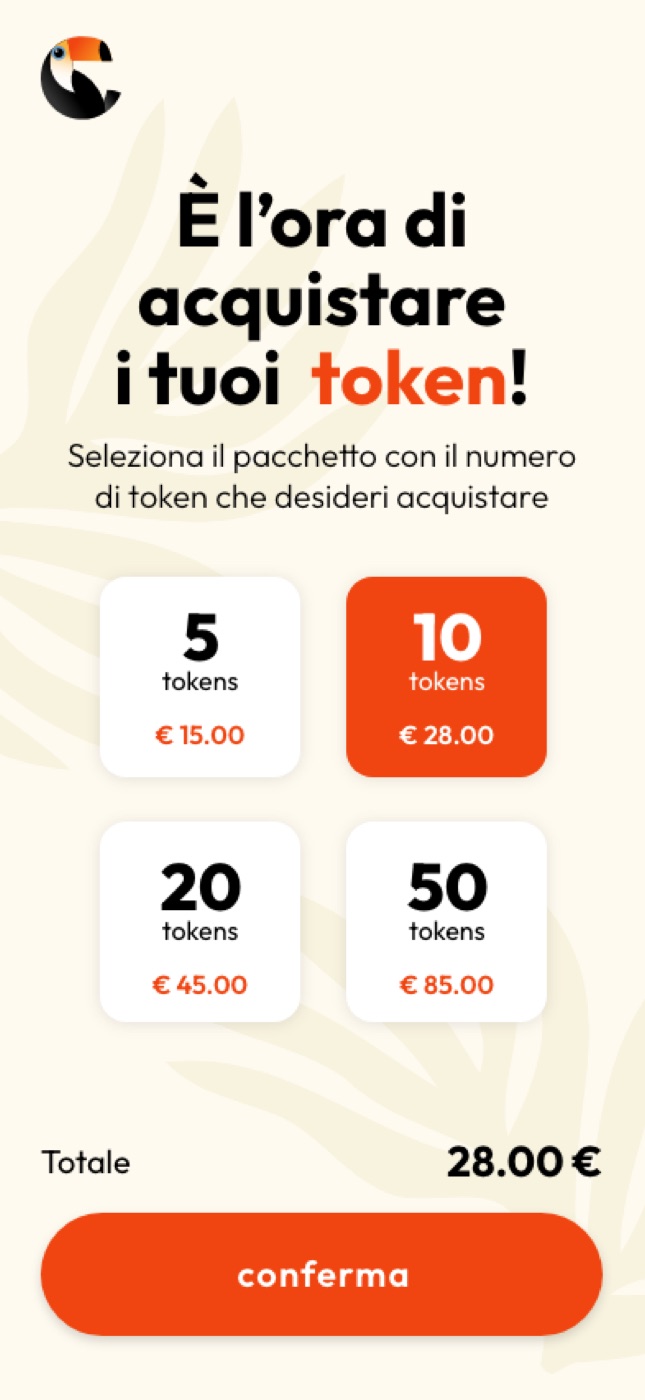
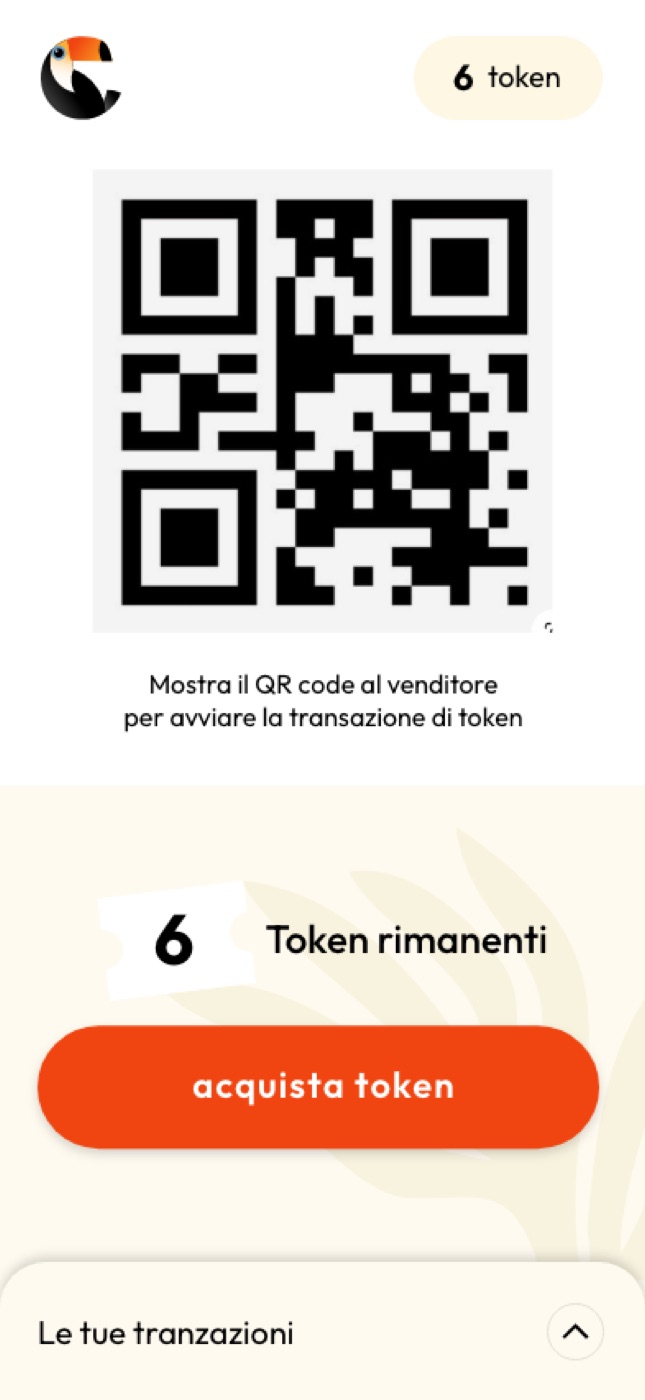
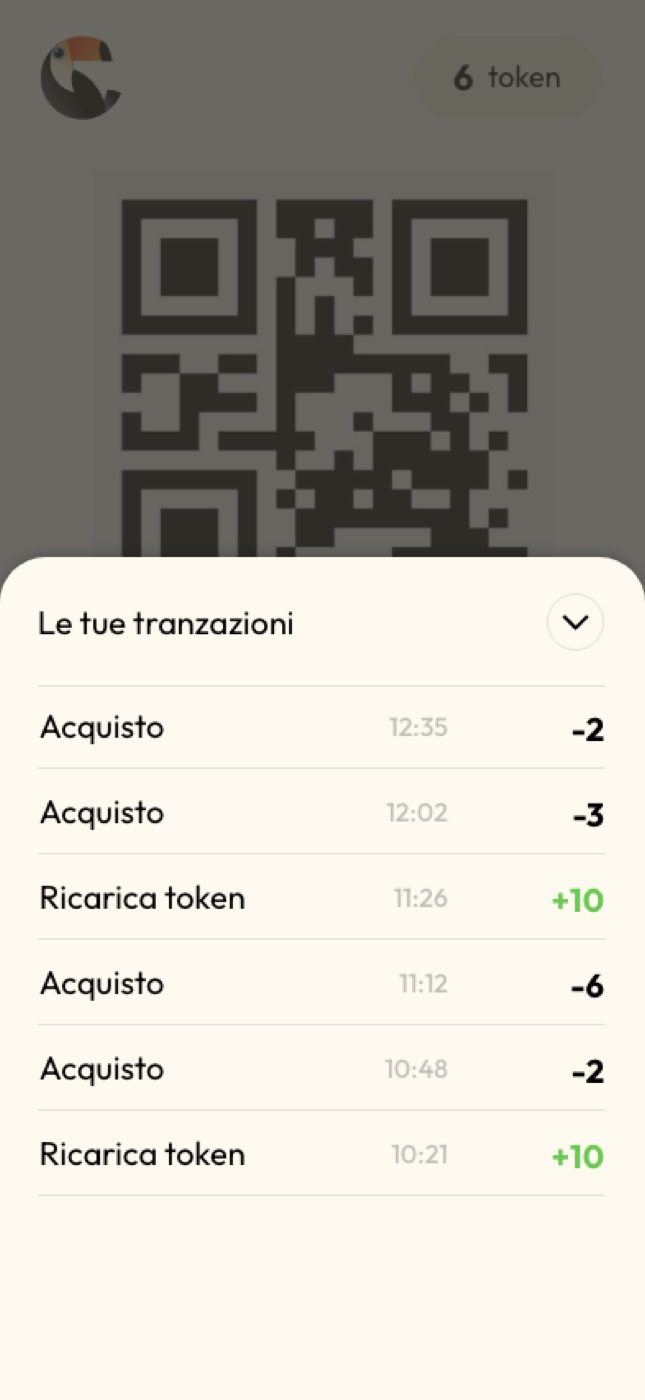
The seller
Web app, seller side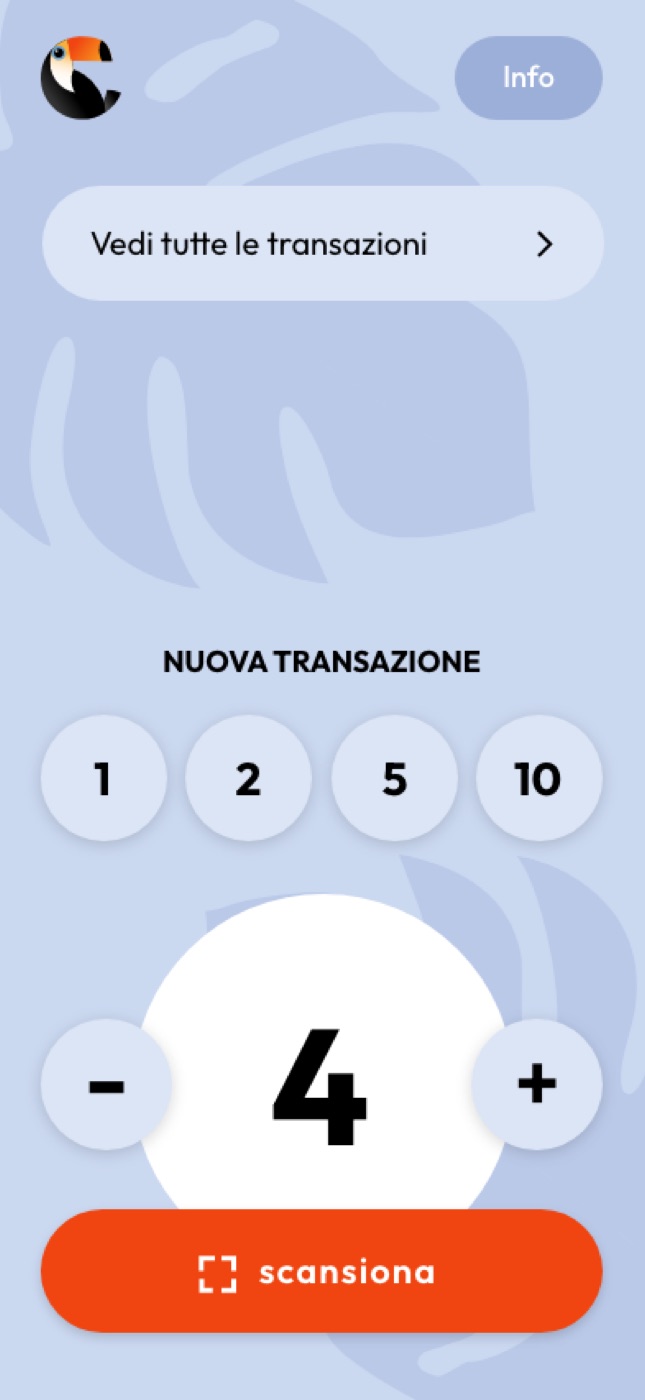
How do you find out whether it works?
By letting people use it. We set up a real event, with a real bar, and stood back to watch.
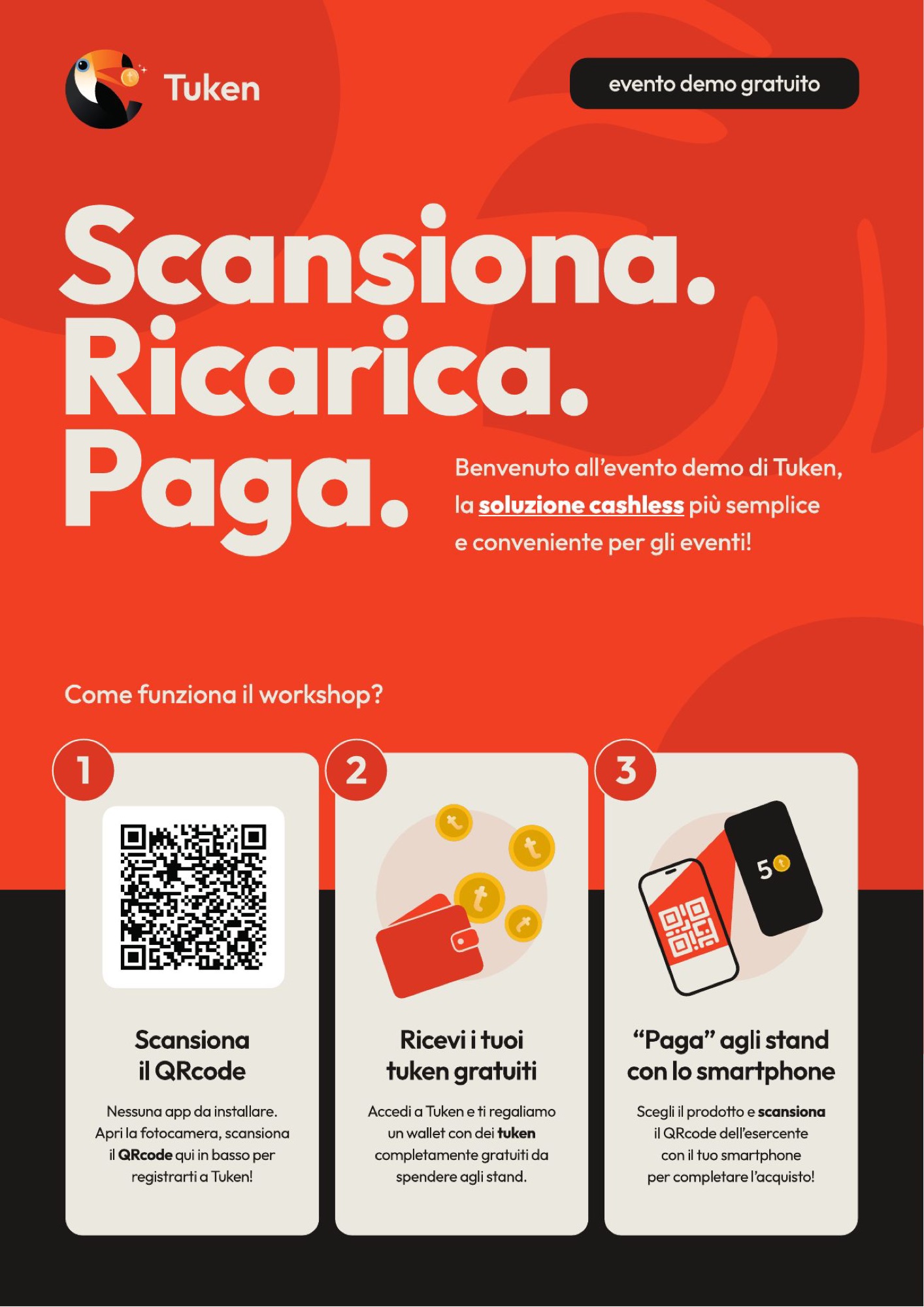
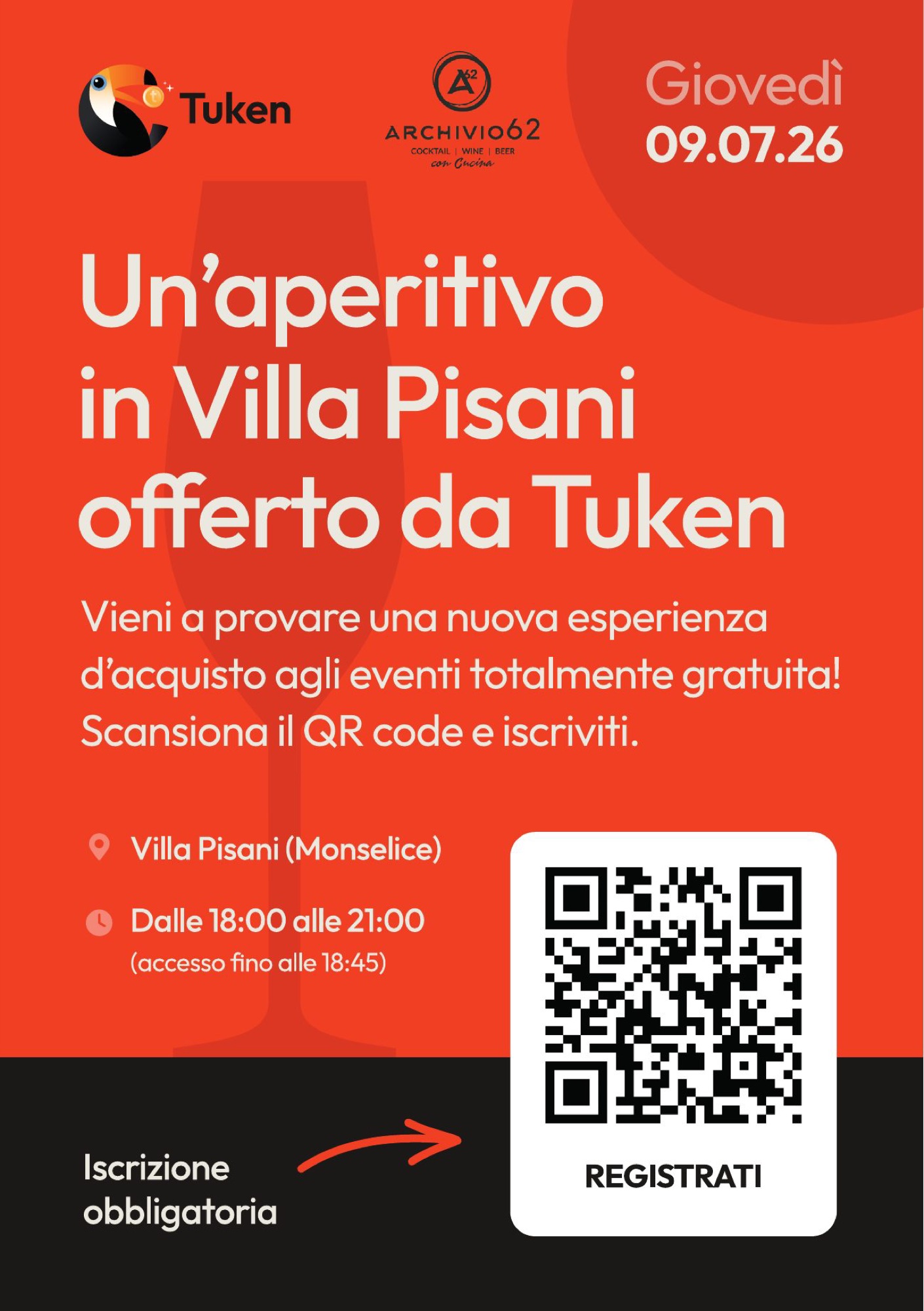
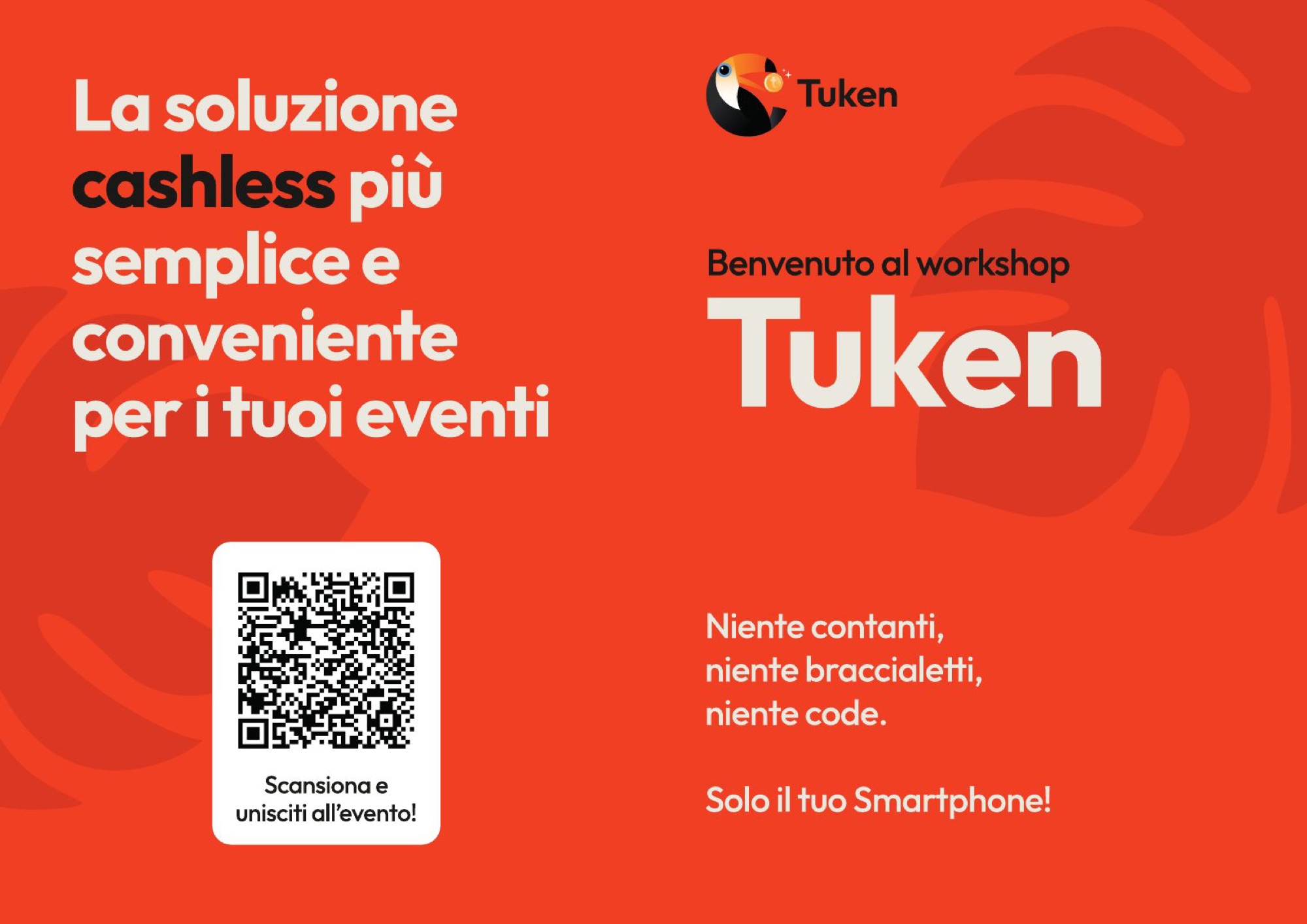
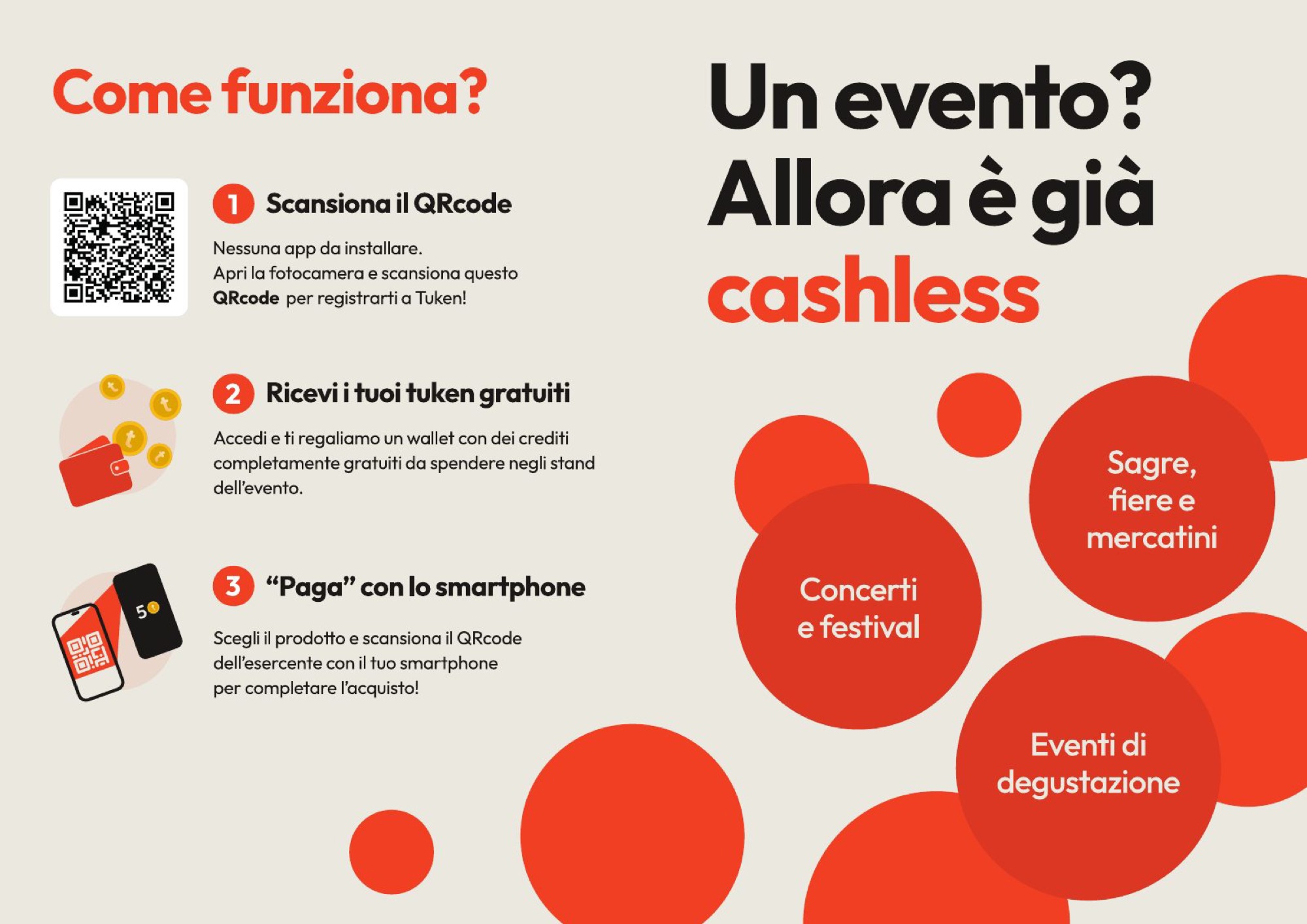
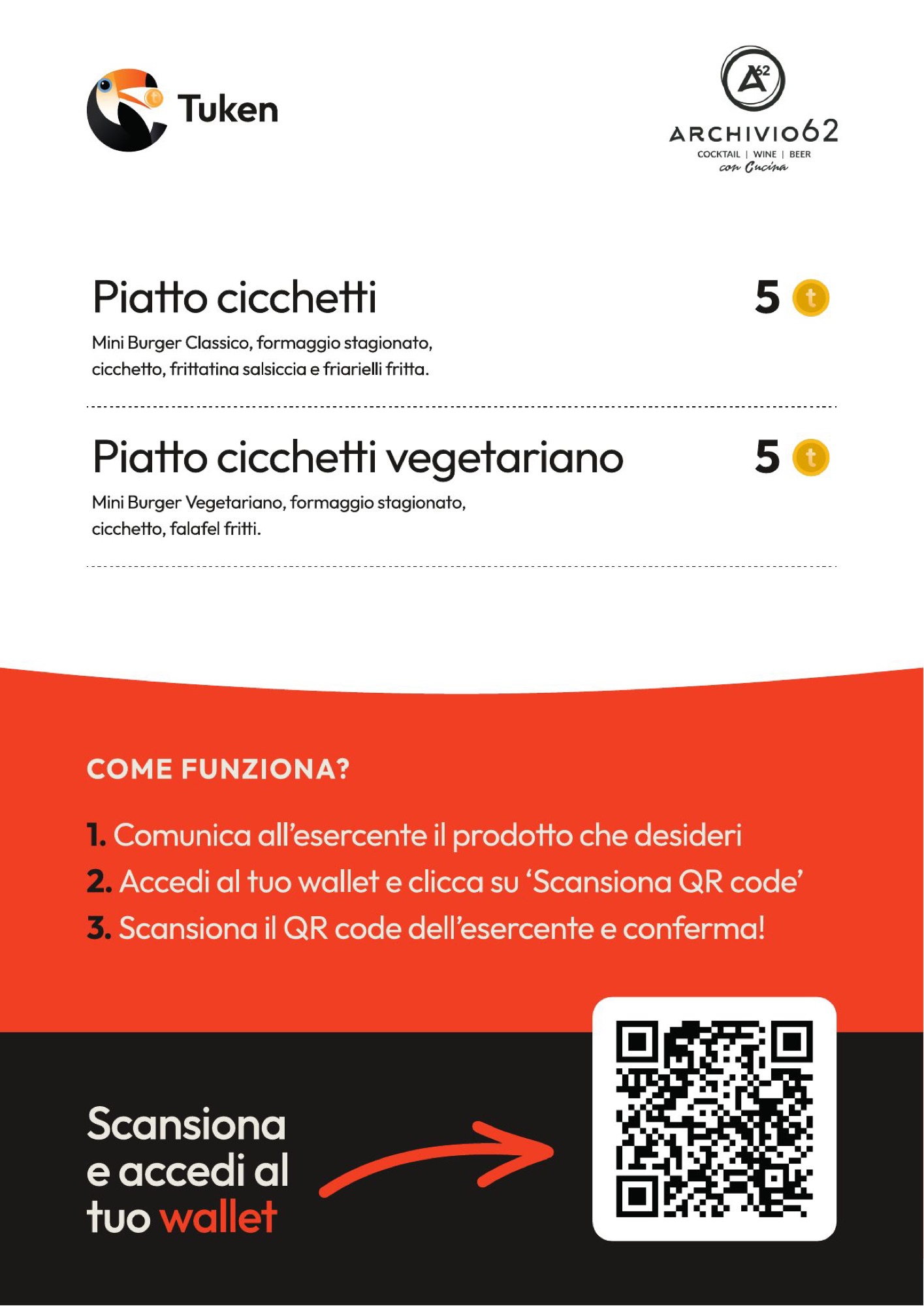
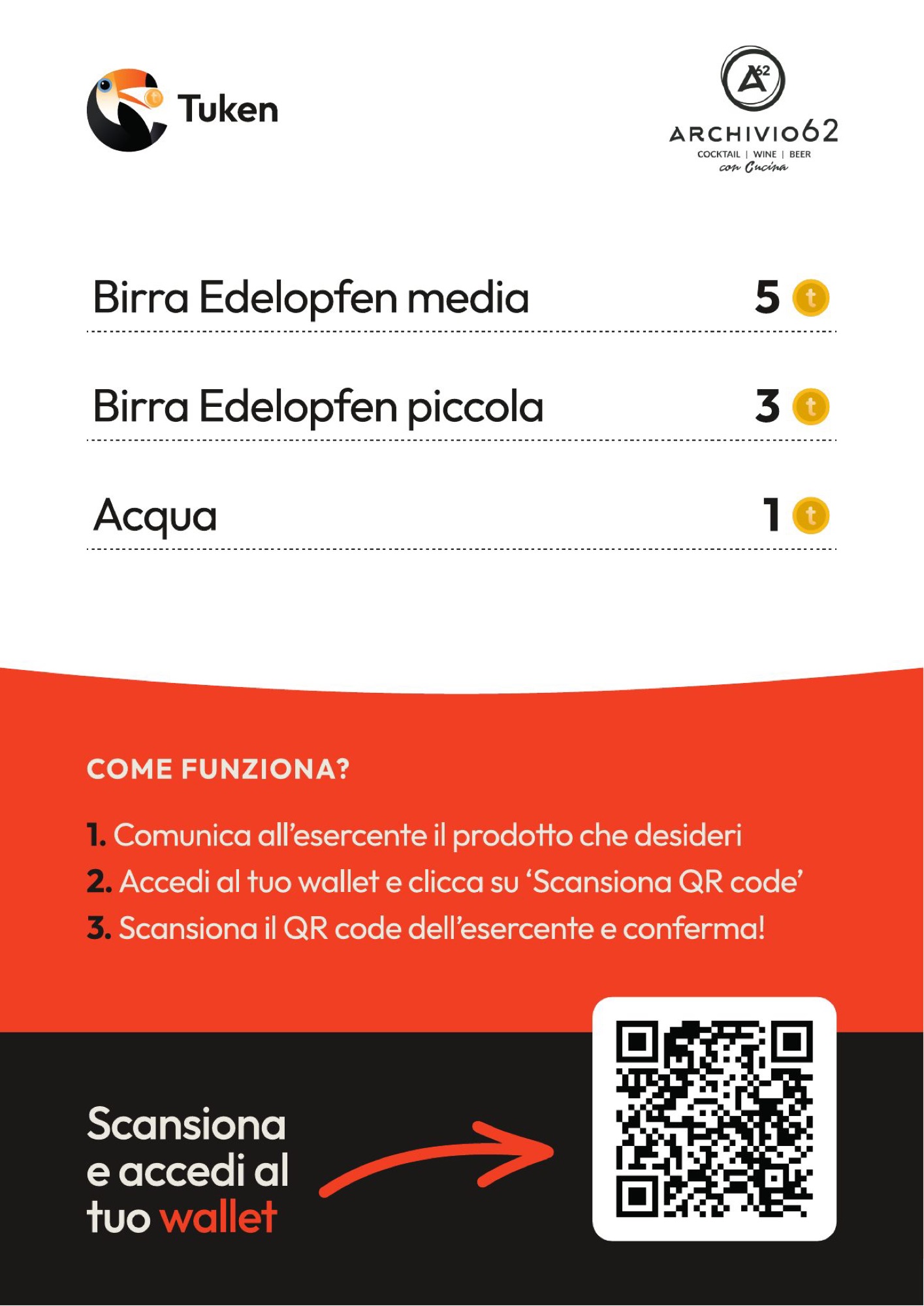
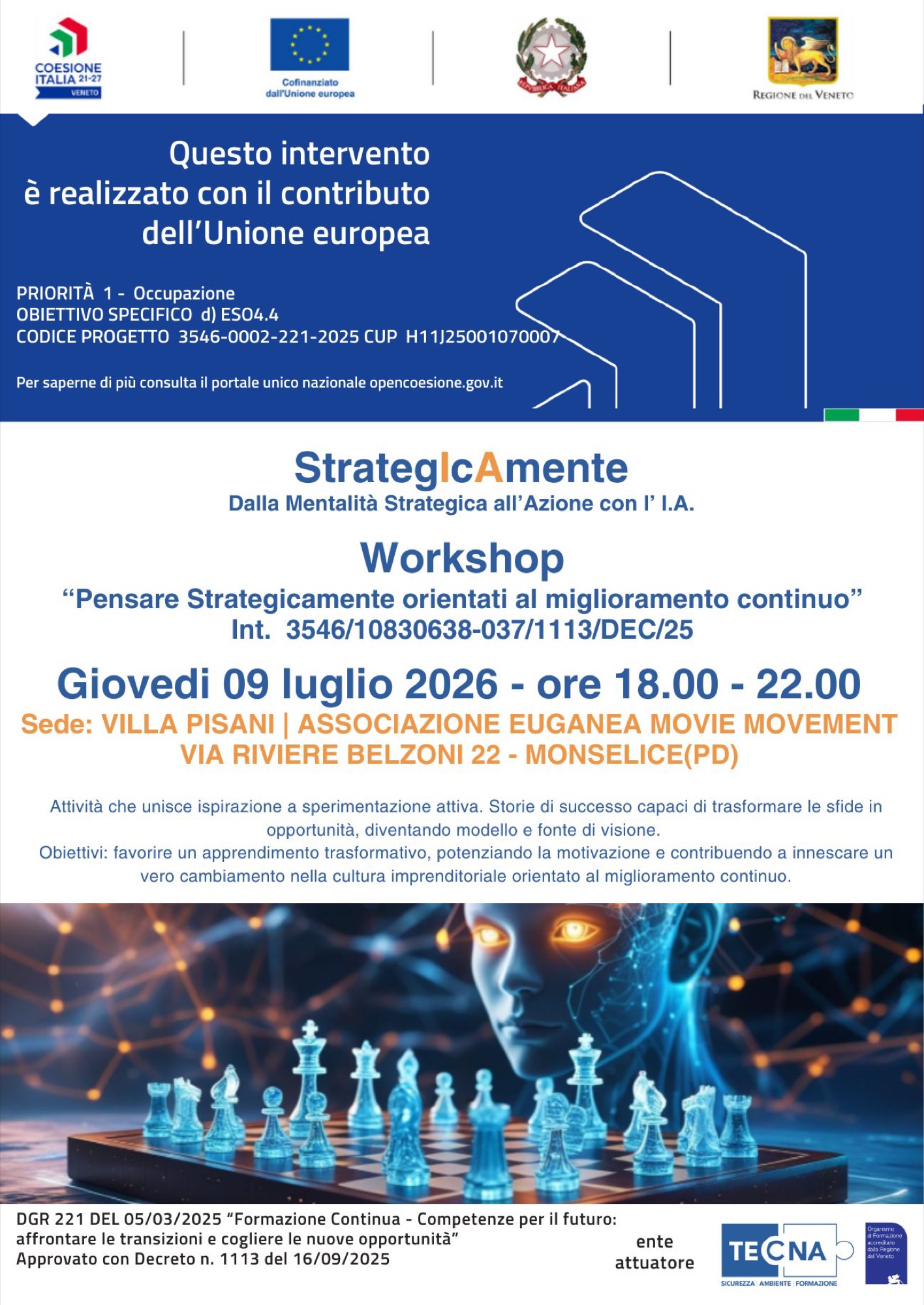
A free demo event inside a workshop, in a villa. A poster, a flyer with the sign-up QR code, a welcome leaflet, menus with prices in tokens. All that material had one job: explaining in three steps how it works, to people who had other things on their minds.
The material for the evening
Scroll →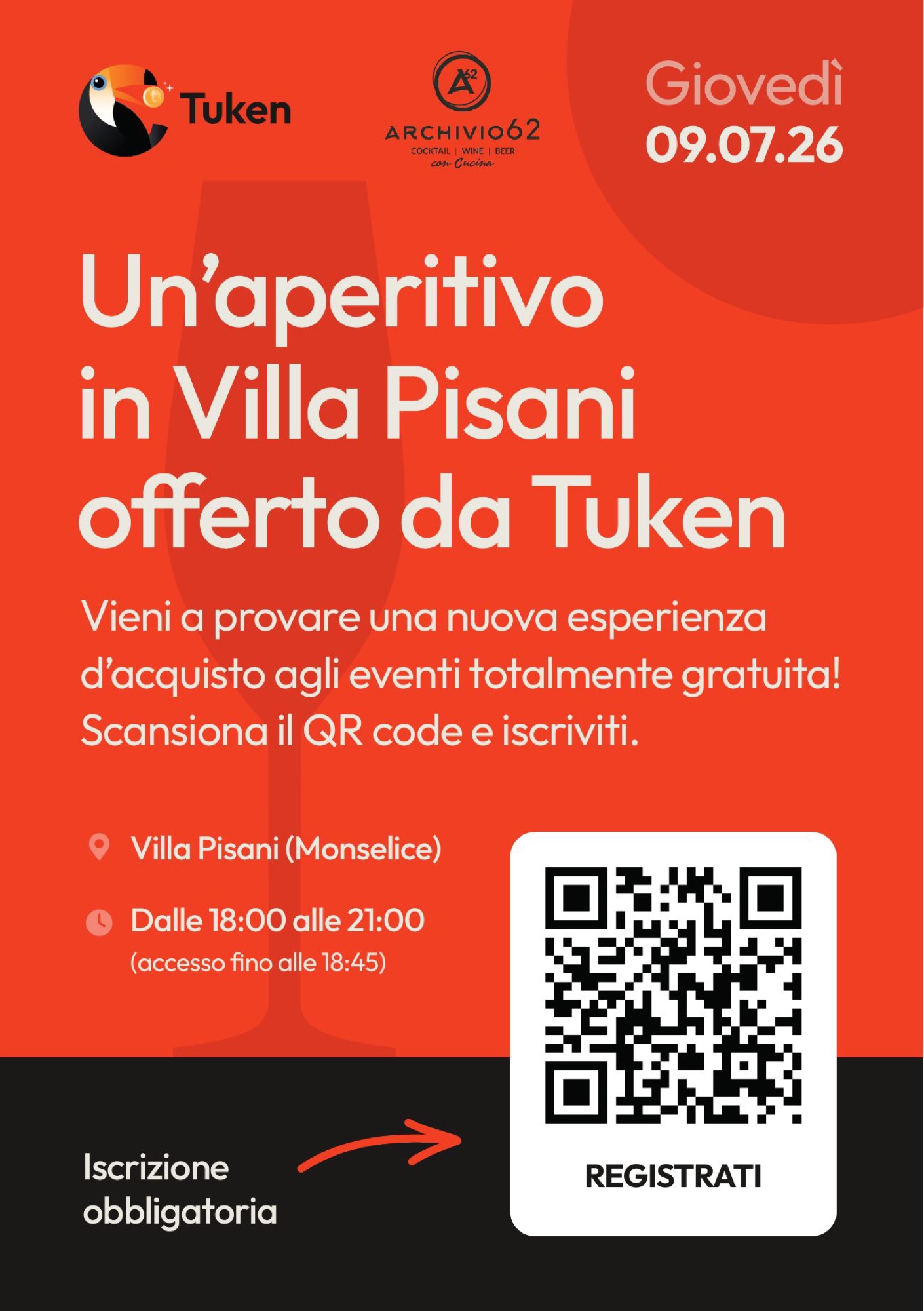
Frequently asked questions
Tuken and Opificio, in short.
What is Tuken?
A cashless solution for events developed by Opificio Lamantini Anonimi: you get in from your browser by scanning a QR code, buy tokens from your phone and pay at the stands by showing your screen.
Who created Tuken?
Opificio Lamantini Anonimi, a creative studio in Monselice, in the province of Padua, Italy.
Do you need to install an app to use Tuken?
No. Tuken is a web app and runs in the phone’s browser.
What kind of events is Tuken made for?
Village fairs, local festivals, trade fairs, festivals, concerts, sports events and public gatherings.
Does Opificio Lamantini Anonimi build its own products?
Yes. Tuken was born and raised in-house, from strategy to interface to the field test.